 EN
EN RO
RO
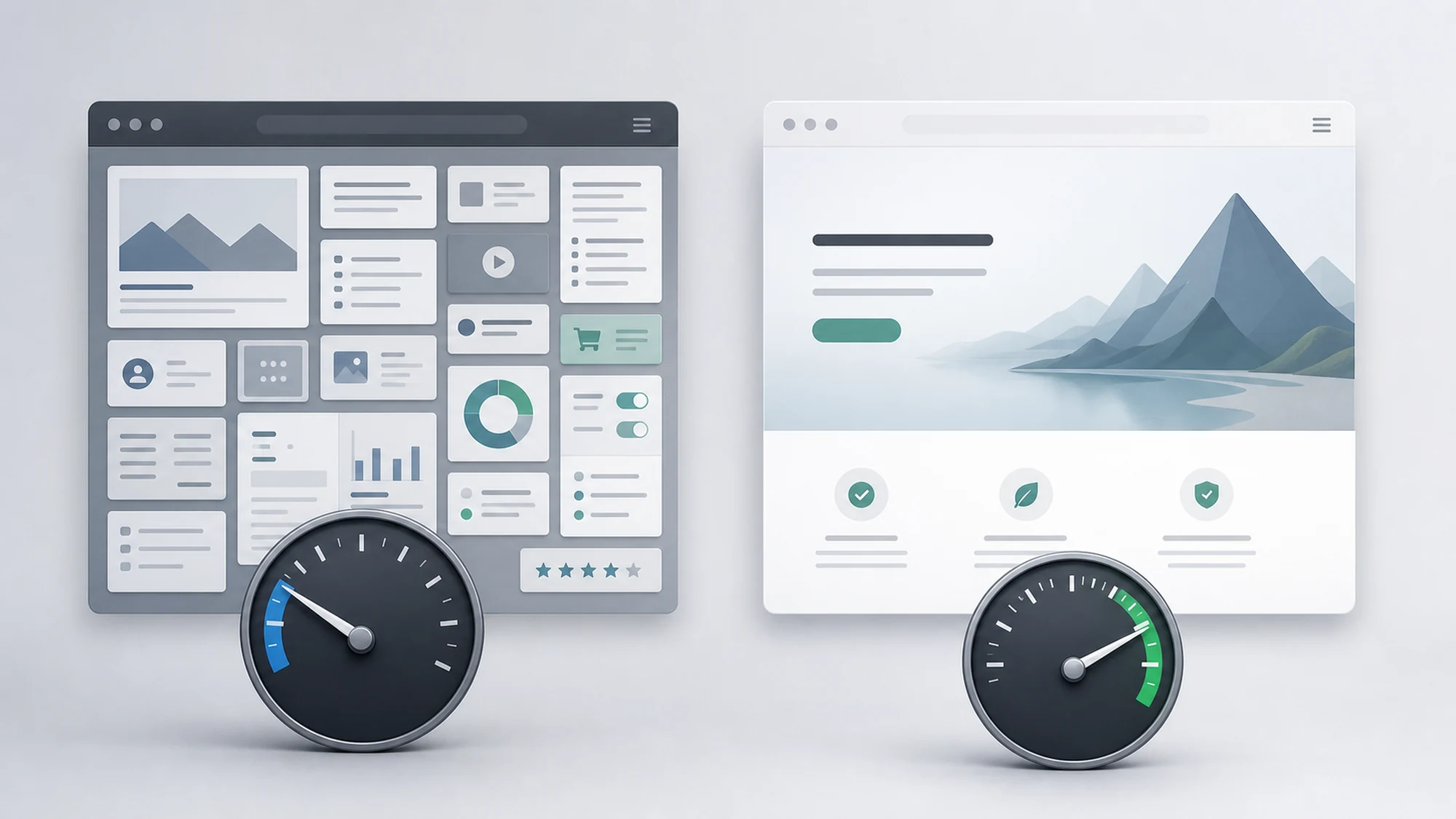
A WordPress site running 15 active plugins doesn't start from the same line as a purpose-built custom platform when it comes to Core Web Vitals. The difference isn't that "WordPress is slow" or "custom is always fast" — it comes down to architecture: how many layers of code run between the user's request and the pixel rendered on screen, who controls those layers, and how easily you can intervene when a metric drops below threshold.
Google uses Core Web Vitals as a page experience signal in its ranking algorithm, alongside content relevance. It isn't the strongest ranking factor, but it becomes a tiebreaker between pages with similar relevance — and that's exactly where the technical platform matters, because some problems are structural to an architecture, not just the result of poor configuration.
This article compares WordPress and custom platforms on each Core Web Vitals metric, shows where speed problems actually come from on each architecture, what you can fix through configuration versus what remains a structural limitation, plus a decision table for when you're weighing a platform choice with technical SEO in mind.
What Core Web Vitals Are and How They Affect Google Ranking
Core Web Vitals are three performance metrics Google uses as part of the page experience signal: Largest Contentful Paint (LCP) — how fast the largest visible element appears on screen, "good" threshold under 2.5 seconds; Cumulative Layout Shift (CLS) — how much the layout "jumps" during loading, "good" threshold under 0.1; and Interaction to Next Paint (INP) — how fast the page responds to a click or tap, "good" threshold under 200 milliseconds. Google measures these from real user data (Chrome User Experience Report), evaluated at the 75th percentile of visits.
Page experience doesn't decide ranking on its own — relevant content and site authority remain stronger factors — but Google has officially confirmed it's a ranking signal, documented in the Search Central guide on Core Web Vitals. In practice, between two pages with similar relevance for the same query, the one with better Core Web Vitals has an edge, and conversion and retention rates are affected directly, regardless of Google position.
Why Platform Architecture Matters for Core Web Vitals
A site doesn't have good or bad Core Web Vitals "out of the box" — it has them depending on how many processing layers sit between the browser's request and the page being rendered. This is where the real difference between WordPress and a custom platform shows up.
- Number of execution layers. WordPress generates the page through PHP, themes, Gutenberg or page builders, and plugins, each adding queries, hooks, and often its own CSS/JS. A custom platform typically has a single layer of code written specifically for that page.
- Control over HTML/CSS/JS output. On WordPress, the final output is the combined result of the theme and plugins, sometimes hard to clean up without breaking functionality. On custom, the development team decides exactly what's sent to the browser.
- Third-party dependencies. Both architectures can accumulate third-party scripts (chat, analytics, remarketing pixels), but on WordPress these often come "hidden" inside plugins, hard to identify without a dedicated audit.
The practical takeaway: the platform doesn't guarantee a result, but it sets how much effort and what kind of expertise is needed to reach "good" thresholds on all three metrics.
How LCP, CLS, and INP Typically Look on WordPress
On WordPress, Core Web Vitals problems have recurring sources, easy to recognize in a technical audit.
LCP on WordPress
- A theme or page builder loading extra CSS/JS for features unused on that specific page, blocking initial rendering.
- Hero images left unoptimized, served at the original resolution uploaded to the Media Library, without automatic WebP/AVIF conversion.
- Shared or under-provisioned hosting for the traffic level, with a high server response time (TTFB) — common on cheap WordPress hosting.
CLS on WordPress
- Cookie banners, plugin widgets, or ads injected dynamically, without reserved layout space before loading.
- Web fonts loaded from different plugins, causing a font-swap "flash" (FOUT/FOIT).
INP on WordPress
- Many active plugins, each with its own JavaScript, occupying the main thread during interactions (menu clicks, filters, forms).
- Visual page builders (Elementor, Divi, and others) generating bulkier markup than hand-written code, with more elements to process on each interaction.
How LCP, CLS, and INP Typically Look on a Custom Platform
A custom platform isn't automatically fast — it depends entirely on the development team's decisions — but it starts with fewer layers to generate.
- LCP: direct control over rendering code, the option of optimized server-side rendering, application-level caching, and image delivery through a dedicated CDN, without plugin overhead.
- CLS: space for dynamic elements (banners, widgets) can be reserved explicitly in code from the design phase, because there's no external plugin injecting unpredictable content.
- INP: JavaScript written for the site's actual features, not for covering every possible use case of a generic plugin — usually less code to execute on each interaction.
The risk on custom isn't "hidden" code volume like on WordPress — it's wrong architecture decisions made early on (a heavy JS framework, an unsplit bundle, no caching) — hard and costly to fix later, because it means refactoring, not just disabling a plugin.
WordPress vs Custom Platform: Core Web Vitals Comparison Table
| Criterion | WordPress | Custom Platform |
|---|---|---|
| Technical starting point | Depends on installed theme + plugins | Depends entirely on development decisions |
| Speed of fixing an issue | Fast for common issues (cache plugin, image optimization) | Requires development effort for any change |
| Initial implementation cost | Lower | Higher |
| Long-term performance cost | Grows with plugin count and updates | Stable, if the initial architecture is sound |
| Control over HTML/CSS/JS output | Limited by the theme and plugins used | Full |
| Main INP risk | JavaScript accumulation from plugins | Heavy JS framework or unsplit bundle |
| Best suited for | Blogs, brochure sites, teams without a dedicated developer | Complex applications, high-traffic products, teams with ongoing dev resources |
When to Optimize Your Existing WordPress Site vs When to Consider a Custom Platform
The decision isn't only about Core Web Vitals — it depends on context: budget, functional complexity, and available technical resources over time.
Stay on WordPress and optimize, if:
- The site has simple-to-moderate functional needs (blog, brochure site, catalog without complex logic).
- You already have content, backlinks, and organic traffic built up on the current domain.
- The budget for a full migration isn't justified by the estimated gain.
- The issues found in an audit are configuration-based (theme, plugins, images, hosting), not structural.
Consider a custom platform, if:
- You've tested repeated optimizations on WordPress and INP or LCP remain above threshold because of plugins that are essential to functionality.
- The application has complex business logic (custom checkout, multiple integrations, real-time calculations) hard to sustain cleanly in a generic CMS.
- Traffic keeps growing and every extra fraction of a second directly translates into lost conversions, at a volume that justifies the investment.
- The team has, or can contract, development resources for long-term maintenance.
Common Risks and How to Avoid Them, Regardless of Platform
- Risk: optimizing a single metric (usually LCP) while ignoring CLS or INP.
Mitigation: treat all three as one set — Search Console flags a page as "needs improvement" even if only one of the three metrics is below threshold. - Risk: on WordPress, adding a "speed" plugin without removing the actual cause (redundant plugins, heavy themes).
Mitigation: a cache plugin reduces symptoms but doesn't fix excessive JS blocking INP. - Risk: on a custom platform, the team assumes "we wrote the code, so it's fast" and skips real-world measurement.
Mitigation: always test with real user data (CrUX), not just synthetic lab runs. - Risk: migrating from WordPress to custom purely for Core Web Vitals, without a redirect plan or content structure preservation.
Mitigation: a platform migration without correct 301 redirects can wipe out exactly the organic traffic you were trying to grow.
Practical Plan: How to Assess and Decide in 30-60-90 Days
- Days 1-30 — measurement: pull Core Web Vitals data from Google Search Console (the "Page Experience" report) and supplement it with PageSpeed Insights tests on your most important pages (homepage, conversion pages, high-traffic pages). Identify whether the issue is LCP, CLS, INP, or all three.
- Days 31-60 — configuration-level optimization: on WordPress, disable redundant plugins, optimize images, add caching, and check hosting; on custom, remove unused JavaScript, split large bundles, and reserve space for dynamic elements. Re-measure after each set of changes.
- Days 61-90 — architecture decision: if metrics remain below threshold even after configuration-level optimizations, document the structural limitations found and decide, with concrete data, whether a custom platform or a broader WordPress restructuring (theme change, drastic plugin reduction) is worth it.
Frequently Asked Questions About Core Web Vitals on WordPress vs Custom Platforms
Can WordPress have Core Web Vitals as good as a custom platform?
It can, but it requires ongoing effort: a lightweight theme, a small number of essential plugins, correctly optimized images, and hosting sized for the traffic. It isn't a fixed limitation of WordPress itself, but a consequence of how many technical layers are active on that install.
How much do Core Web Vitals matter for Google ranking compared to content?
Relevant content and site authority remain stronger factors. Core Web Vitals act as a tiebreaker signal between pages with similar relevance, not as a decisive factor on their own.
Does migrating from WordPress to a custom platform guarantee better Core Web Vitals?
Not automatically. A poorly built custom platform (heavy JS framework, no caching, unsplit bundle) can end up with metrics just as weak. The architecture reduces the number of layers to generate, but the final result still depends on development decisions.
Which WordPress plugins help most with Core Web Vitals?
A caching plugin, one for automatic image optimization/conversion, and sometimes a CSS/JS minification plugin can help. Their effect is limited if the theme or other active plugins remain the main source of the problem — a technical audit identifies exactly what needs to be removed, not just what needs to be added.
How do I check whether my speed issue comes from the platform or the hosting?
A high Time to First Byte (TTFB) across multiple different pages usually points to a hosting or server issue, not the platform. If TTFB is good but LCP/CLS/INP remain weak, the cause is more likely in the code, themes, plugins, or third-party scripts.
Conclusion
Core Web Vitals aren't solved by picking "the right platform" — they're solved by understanding where the problems on your current platform actually come from and deciding, with data, whether those problems are configuration-based or structural. WordPress can reach "good" thresholds with optimization discipline; a custom platform offers full control but doesn't remove the need for ongoing measurement. The next practical step is a technical audit that tells you exactly which metric is failing, why, and how much effort each fix path requires.
Struggling with site speed or indexing issues? Let's discuss a technical audit and find out, concretely, whether the fix is optimization or a platform change.

Write a comment