 EN
EN RO
RO
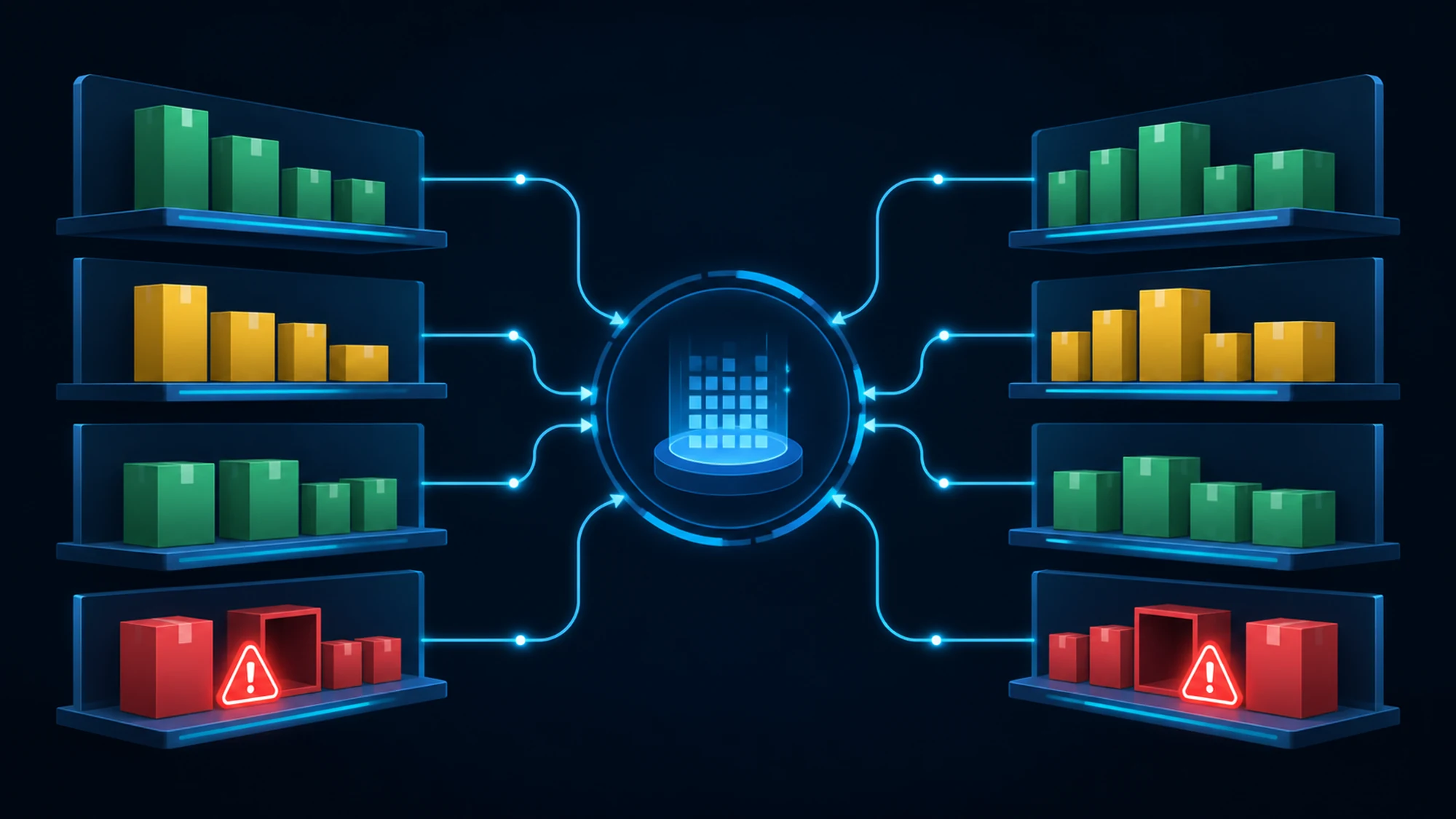
A best-selling product runs out at a key supplier, and your store keeps listing it as available for three more days, until someone checks manually. In the meantime, orders keep coming in, shipping gets delayed, and customers cancel. During the same window, a competitor runs out of stock on an identical product — a sales opportunity nobody on your team notices in time, because nobody is tracking it systematically.
Automated stock monitoring through crawling is the process by which a script (a crawling bot) periodically checks product availability on supplier and competitor websites, detects status changes (in stock, limited stock, sold out) and sends an alert, instead of the team depending on manual checks or on customer complaints after an order for an actually unavailable product.
This guide explains what stock availability monitoring through crawling means, what benefits it brings on both the supplier side and the competitor side, how such a system works technically, what risks commonly appear and how to avoid them, plus a practical implementation plan.
What stock availability monitoring through crawling is
The basic terms, explained simply:
- Availability (stock/availability) = a product's status on a web page: in stock, limited stock, made to order, or out of stock.
- Crawling = automated, repeated access to a web page by a bot, at set intervals.
- Status parsing = identifying, in the page's HTML code, the element that indicates availability (text, icon, an active or disabled add-to-cart button).
- Stock alert = the notification sent automatically (email, Slack, dashboard) when a tracked product's status changes.
Unlike price monitoring, where the interest is a numeric value, stock monitoring tracks a state change — a product moves from one availability category to another. It's a simpler signal to interpret, but just as important for fast business decisions.
Why supplier stock monitoring matters for your store
If your store sources products from one or more suppliers and lists them without an automatically updated stock feed, the risk of selling a product that's out of stock at the source is constant. Crawling supplier pages solves exactly this problem:
- Eliminates selling products the supplier no longer has, avoiding cancellations and refunds.
- Enables automatic or semi-automatic deactivation of the product in your own store the moment the supplier marks it out of stock.
- Flags when a product comes back in stock, so it can be reactivated quickly, ahead of competitors who rely on manual checks.
Why competitor stock monitoring matters
On the competitive side, a rival's product availability is a piece of business intelligence just as valuable as their price:
- When a competitor runs out of stock on a product you have available, that's the moment those customers are most likely to search for alternatives — a short window worth exploiting through campaigns or better search visibility.
- Repeated stockouts at a competitor, in a given category, can signal supply issues you can use as a differentiator ("guaranteed stock", "fast delivery") in your own messaging.
- Availability tracking completes price monitoring: a low price shown by a competitor who is actually out of stock isn't real market pressure, and without this context you may make repricing decisions based on incomplete data.
How a crawling system for product availability works, in practice
The technical structure resembles other crawling projects, but the extraction logic focuses on stock status rather than price:
- The URLs of the relevant products to track, at suppliers and/or competitors, are identified.
- The bot accesses the pages periodically, at a set interval (several times a day for high-turnover products, or daily for the rest of the catalog).
- The script extracts the availability indicator from the page — explicit text ("in stock", "sold out"), the state of the add-to-cart button, or another signal specific to the target site's structure.
- The status is compared to the value saved at the previous check, to detect a real change, not just an identical page reload.
- On a status change, the system sends an alert and updates the product's availability history.
One aspect specific to stock, unlike price: some sites show availability only approximately ("limited stock", no exact quantity) or only after a product variant is selected (size, color). The script needs to be adapted to navigate correctly through these variants, otherwise the collected status is incomplete.
How often should product availability be checked
As with price collection frequency, the optimal pace depends on how quickly stock runs out in the tracked category.
| Situation | Typical risk | Suggested check frequency |
|---|---|---|
| High-turnover products, launches, campaigns (Black Friday) | Fast depletion, within hours | Multiple times per day |
| Medium-demand, seasonal categories | Depletion within a few days | Daily |
| Slow-moving products, B2B, spare parts | Rare depletion | Weekly |
These values are indicative. For key products in your catalog, it's worth checking more often than the category average, since the impact of an unhandled stockout is greater precisely on your best-selling items.
Common risks and how to avoid them
- False positive on restock. Some sites briefly show a product as available during a catalog update, then revert to sold out. Mitigation: a second confirmation check before sending an alert or automatically reactivating the product.
- Missed status due to product variants. If availability differs by size/color and the script only checks the parent page, the alert can be wrong. Mitigation: parse at the variant level, not just the parent product.
- Bot access getting blocked. Mitigation: respecting robots.txt, a reasonable request rate (rate limiting), and clear script identification.
- Target page structure changes. Mitigation: an automatic alert when the script no longer finds the expected status indicator, enabling quick maintenance instead of silently wrong data.
- Overly aggressive automated reaction. Automatically deactivating a product in your own store based on a single check can hide products that are still available. Mitigation: confirmation rules (two consecutive checks) before irreversible automated actions.
How to fold stock data into your own process
Availability data collected via crawling only has value if it reaches where decisions are made, not just an unread report:
- For supplier stock: direct connection to your own platform (product activation/ deactivation) or, at minimum, an alert to the purchasing/catalog team.
- For competitor stock: periodic reports to the marketing and sales team, correlated with price monitoring for full context.
- Delivery format: Excel files, a relational database, or a data feed (XML/CSV) that automatically feeds other systems — the same principle as other web crawling data collection projects, adapted to stock-specific content.
Is it legal to monitor stock on supplier and competitor websites
As with prices, publicly displayed availability information, visible to any visitor without authentication, is generally considered publicly accessible information. The legality of a specific project, however, depends on factors specific to the target site, which should be checked before starting collection:
- Robots.txt — the standard file through which a site owner indicates which areas can be accessed by automated bots, per Google's official documentation.
- Terms and Conditions of the target site, which may explicitly prohibit automated content collection.
- Your supplier contract — if a commercial relationship and an agreed data flow already exist (API, XML feed), that is preferable to crawling, which remains a fallback for situations where the supplier doesn't offer structured access to stock data.
The practical recommendation is to always check the target site's robots.txt and Terms and Conditions before starting collection, and for sensitive or large-scale projects, to consult a legal specialist. The above information is indicative, not firm legal advice.
Crawling vs official API for stock data: how to choose
If a supplier offers an official API or a structured stock feed, that's always the preferred option — more stable data, updated in real time, without the risk of a page structure change. Crawling remains the practical solution exactly in situations where no API exists: at competitors (who don't grant third-party access to their own stock data) and at suppliers who don't yet have an automated feed, but do publish availability on their site.
Practical implementation plan for stock monitoring
- Prioritize key products. Start with your best-selling or highest-margin products, not the entire catalog at once.
- Map your sources. Separate the supplier list (for updating your own stock) from the competitor list (for business context).
- Set the frequency per category. Use the table above as a starting point and adjust based on actual depletion speed.
- Define alert and automated-action rules. Decide what happens automatically (product deactivation) and what stays a manual check, with confirmation across two consecutive checks for irreversible actions.
- Review the source list periodically. Add or remove tracked suppliers and competitors as your catalog and market evolve.
Related crawling articles
- Automated competitor price monitoring through crawling
- Optimal crawling frequency for catalog updates
- All HappyWeb articles about crawling
Frequently asked questions about stock monitoring through crawling
How do I automatically find out when a supplier runs out of stock on a product?
Through a crawling script that periodically checks the supplier's product page and compares the availability status with the previous check, sending an automatic alert on any relevant change.
Is it worth monitoring competitor stock too, not just suppliers?
Yes, especially for your key catalog products. A competitor's stockout is a short commercial window in which you can capture customers searching for available alternatives.
How often should product availability be checked?
It depends on how fast the category depletes: multiple times a day for high-turnover products or during campaigns, daily for medium demand, weekly for slow-moving products.
Is it legal to track stock on a competitor's website?
Publicly displayed availability information is generally publicly accessible, but always check the target site's robots.txt and Terms and Conditions before starting collection. For sensitive projects, we recommend consulting a legal specialist.
What if the supplier already offers a stock feed?
Use the official feed whenever it's available — it's more stable than crawling. Crawling remains useful for sources that don't offer structured data access, including competitors.
Conclusion: product availability is a signal just as important as price
Automated stock monitoring through crawling turns a reactive problem — usually discovered from a cancelled order or a complaint — into a constant flow of information, protecting both the customer relationship and the short commercial windows created by competitors' stockouts. The practical starting point: prioritize key products, set a realistic frequency, and require double confirmation before irreversible automated actions.
Want to automate stock tracking for your store? Contact us for a custom offer, tailored to your suppliers and competitors.
Need stock or price monitoring for competitors and suppliers?
HappyWeb builds custom crawling scripts for each target site, delivered in the format your project needs. Check out our web crawling service or discuss your project directly with our team.
Sources
Article last updated: 2026-08-10 · Recommended review: within 90-180 days, since target site rules and market practices can change.
- HappyWeb — Web crawling data collection services, definition, use cases and delivery formats: happyweb.ro/en/services/services-web-crawling.
- Google Search Central — "Introduction to robots.txt", official documentation on the role of the robots.txt file in controlling crawler access: developers.google.com/search/docs/crawling-indexing/robots/intro.
- The Web Robots Pages — the standard robots.txt specification: robotstxt.org/robotstxt.html.
If you have questions about a specific stock monitoring project, contact us.
Image generated with AI, used for illustrative purposes.

Write a comment