EN
EN RO
RO
Click an image to enlarge it.
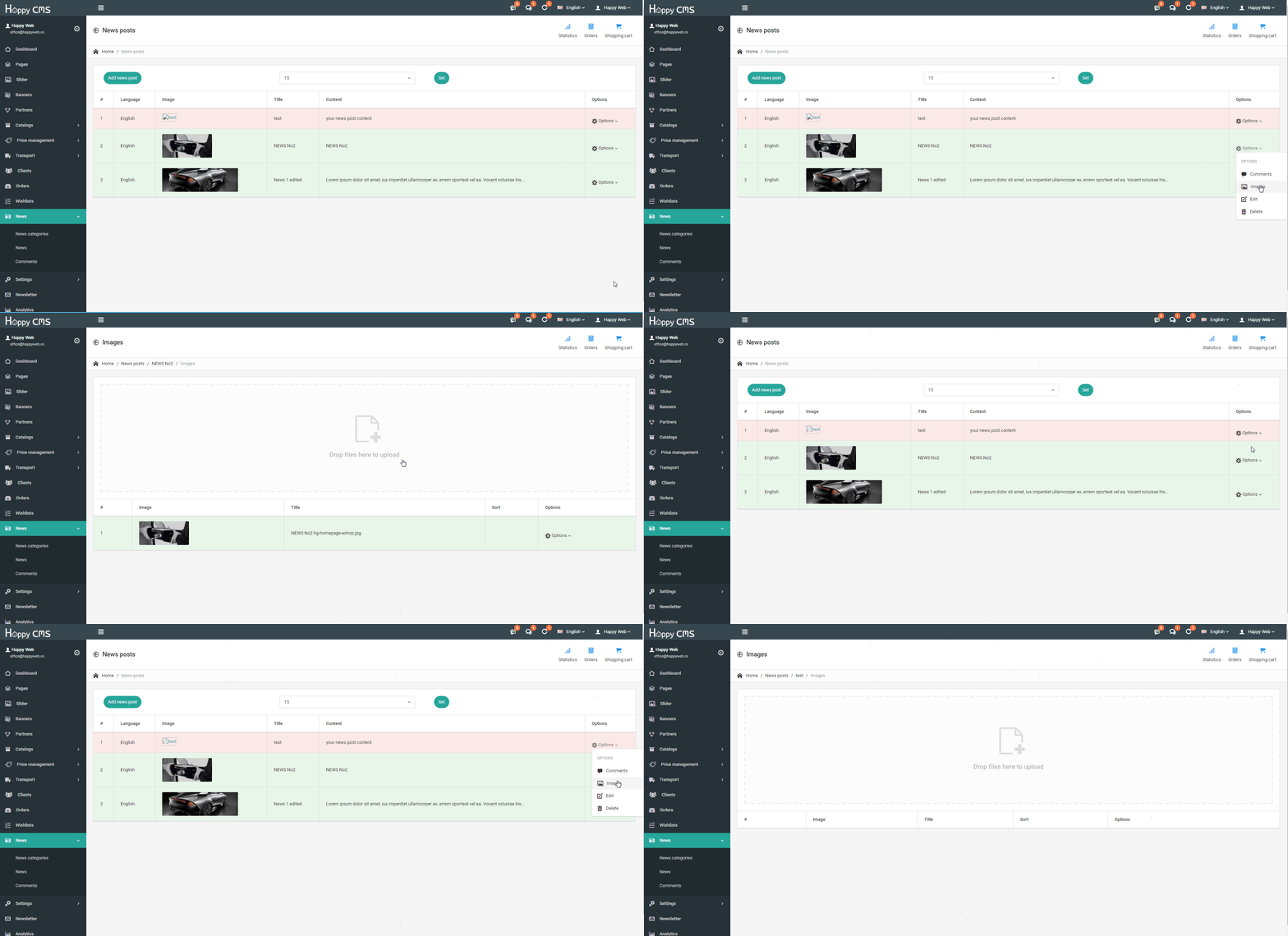
In section "News" you can add, edit and delete news from your website.

Practical guides for working with your website and applications.
Click an image to enlarge it.
In section "News" you can add, edit and delete news from your website.
click the button "Add news post" a new window will open Active: select the availability through the option “Active” or “Inactive” (if you want to inser...
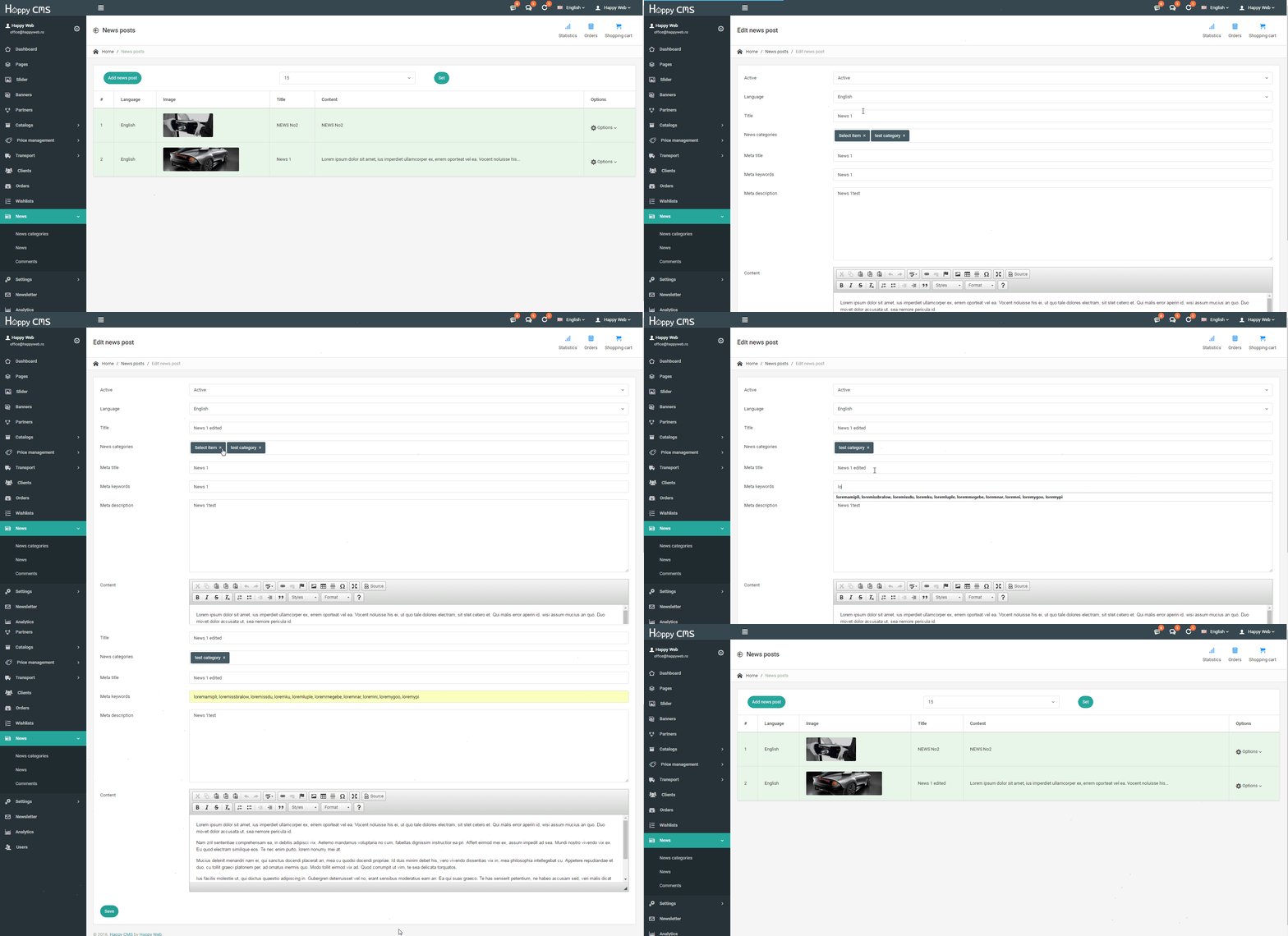
Read the guideIn the control panel of news click on "Options", where will display more items, including "Edit" A new window will open populated with information from the pa...
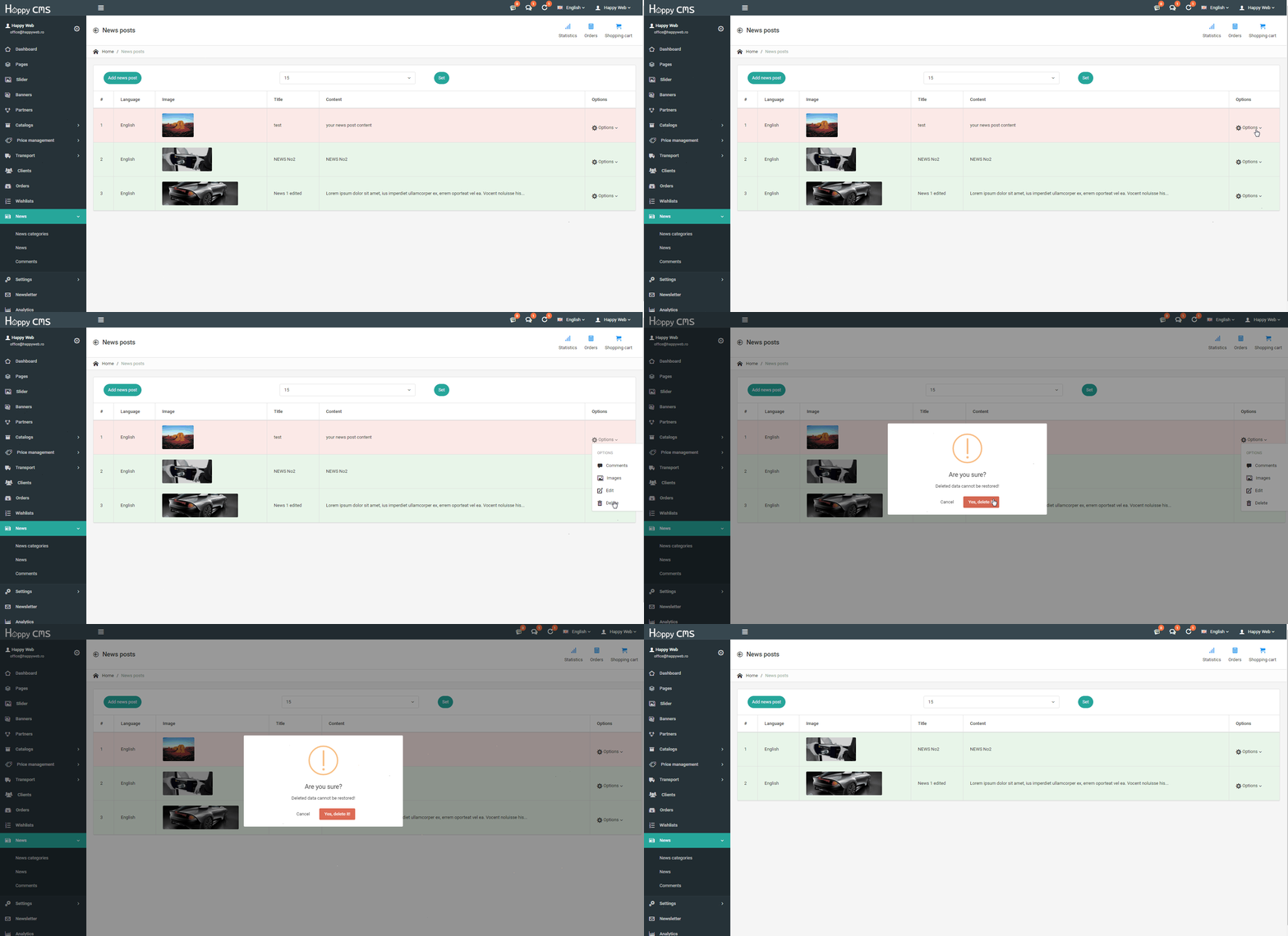
Read the guideIn the control panel of news click on "Options", where will display more items, including "Delete" Confirm the deletion
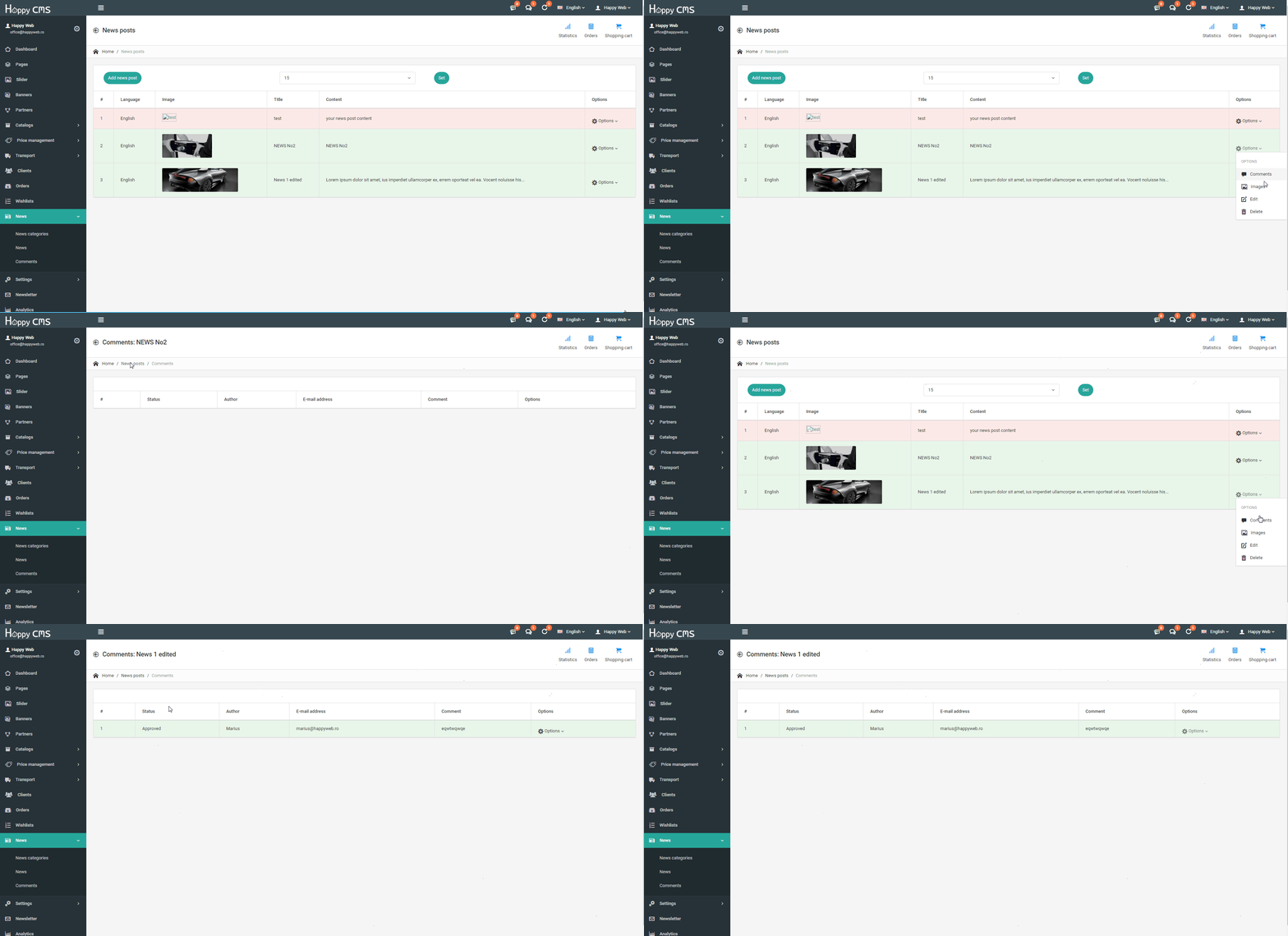
Read the guideIn the control panel of the news click on "Options", where will display more items, including "Comments". Here you can see the comments associated with this...
Read the guideIn the control panel of news click on "Options", where will display more items, including "Images". In section "Images" you can add, edit and delete the corres...
Read the guide