 EN
EN RO
RO
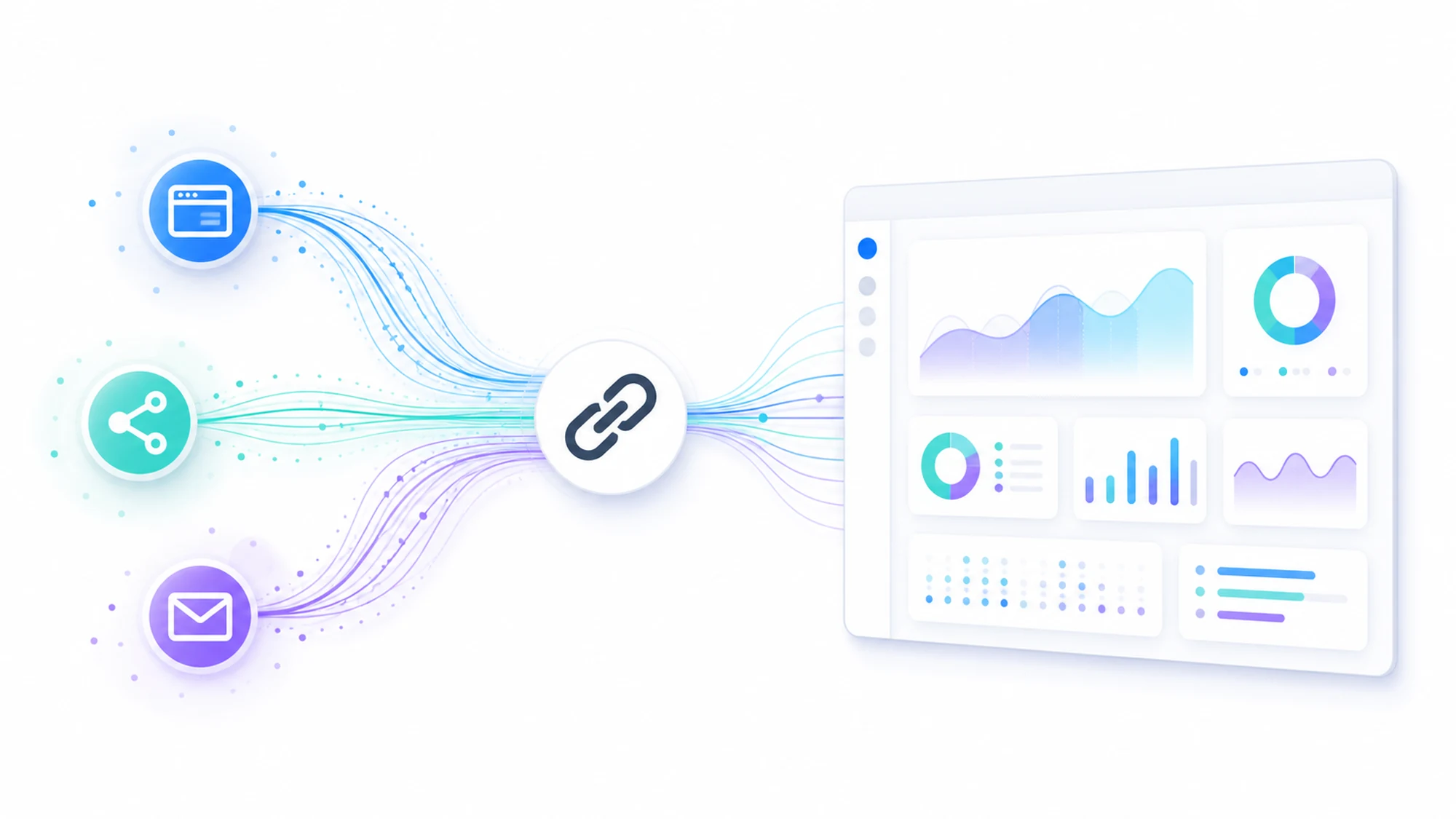
UTM parameters are short pieces of text added to the end of a URL that tell an analytics tool (most often Google Analytics) exactly where a visitor came from and which campaign sent them. Without them, a click from a newsletter, a Facebook ad, or an Instagram story often lands in reports under a generic label like "direct" or "referral," and the real difference between channels disappears.
The name comes from Urchin Tracking Module, the web analytics product Google acquired in 2005 and used as the foundation for Google Analytics. UTM parameters have remained the de facto standard for manual campaign tracking, whether you use Google Analytics 4, Matomo, or any other analytics tool that reads UTM query strings.
What a URL with UTM parameters looks like
A URL with UTM tracking is simply the page's normal URL followed by a ? and a list of parameters separated by &. Example for a Facebook Ads campaign pointing to the HappyWeb services page:
https://happyweb.ro/en/services?utm_source=facebook&utm_medium=cpc&utm_campaign=services_fall2026
The analytics tool reads those parameters on every visit and stores them as session dimensions, separate from traffic that arrives without them.
The 5 UTM parameters and what each one does
- utm_source — the traffic source: the platform or site the click came from (e.g.
facebook,google,newsletter_march). - utm_medium — the marketing channel: the type of traffic (e.g.
cpcfor paid ads,email,social,referral). - utm_campaign — the specific campaign name, useful for comparing performance between different campaigns run on the same source.
- utm_term — optional, mostly used in paid Google Ads keyword campaigns to identify which keyword generated the click.
- utm_content — optional, differentiates between ad variants or links within the same material (e.g. the header button vs. the footer link in the same email).
Of the five, only utm_source, utm_medium, and utm_campaign are required for functional tracking; utm_term and utm_content add extra detail but aren't necessary on every link.
How to build a correct UTM link
- Start from the final destination URL of the page, without other existing parameters when that can be avoided.
- Fill in
utm_sourcewith the exact platform name, not a free-form variant ("fb" one day and "facebook" the next create two separate rows in the report). - Choose
utm_mediumfrom a fixed list of values (e.g.cpc,email,social,affiliate) and keep it consistent across all campaigns. - Name
utm_campaignfollowing a clear convention, for example[goal]_[period], so you can filter results quickly later. - Use lowercase letters only, no spaces — spaces get encoded awkwardly in URLs (
%20) and can break the link on some platforms. - Test the link before launch: open it in a browser and confirm in the real-time traffic report of your analytics tool that the session shows the correct source and medium.
Common mistakes with UTM parameters
- Inconsistent values for the same source — "Facebook", "facebook", and "FB Ads" show up as three separate sources in reporting, even though they're the same channel.
- Using UTM tags on internal links — a UTM link applied between pages of your own site overwrites the session's real source (usually "direct" or the original search engine) with the UTM values, distorting the rest of the session's journey data.
- Missing a distinct utm_campaign — without a campaign name, multiple initiatives run on the same source and medium blend into a single data row, impossible to separate later.
- UTM added manually without a shared list — without a common document or generator across the team, each person invents their own conventions, and reports become inconsistent over time.
When you don't need UTM parameters
Google Ads and Meta Ads can automatically attribute traffic from their own active campaigns, through direct integration with Google Analytics (auto-tagging via gclid) or native in-platform reporting. Manual UTM parameters remain necessary for channels without automatic integration: email marketing, organic social media posts, links from offline materials (a QR code on a flyer), or collaborations with influencers and partners.
HappyWeb's practical tip
Keep a shared document (a spreadsheet or an internal UTM generator) listing all allowed values for utm_source and utm_medium, updated every time you add a new channel. This simple discipline prevents most of the mistakes above and keeps attribution reports usable long-term, not just during the month you launched the campaign.
Frequently asked questions about UTM parameters
Do UTM parameters affect a page's SEO?
Not directly — a URL with UTM parameters remains, technically, the same page as the URL without them, and search engines typically recognize the canonical version. It's still recommended that the destination page has a correctly set canonical tag pointing to the clean URL, to avoid any indexing ambiguity.
Can I use UTM parameters for links shared on WhatsApp or SMS?
Yes, any channel without automatic integration with your analytics tool can be tracked manually with UTM parameters — including WhatsApp, SMS, or direct messages on social platforms, as long as the link stays functional and isn't shortened in a way that strips the parameters.
What happens if two different users click the same UTM link?
Each session is recorded separately, with the same UTM values attached. The parameters describe the source of the click, not the identity of the user, so any number of visitors can use the same link without overwriting each other in reporting.
Is there a recommended maximum length for a URL with UTM tags?
There's no limit imposed by UTM itself, but very long links are harder to share and can get truncated in some apps. For channels like email or social media, a link-shortening service that keeps the UTM parameters intact behind the short URL is generally recommended.
Accurate campaign tracking is the first step toward budget decisions based on real data, not guesswork. Want every marketing channel to show measurable results, clearly separated in your reports? Contact us for a free audit of your current campaign tracking setup.
Note: this article is for general informational purposes and does not replace the official documentation of the analytics platform you use.
Image generated with AI, used for illustrative purposes.

Write a comment