 EN
EN RO
RO
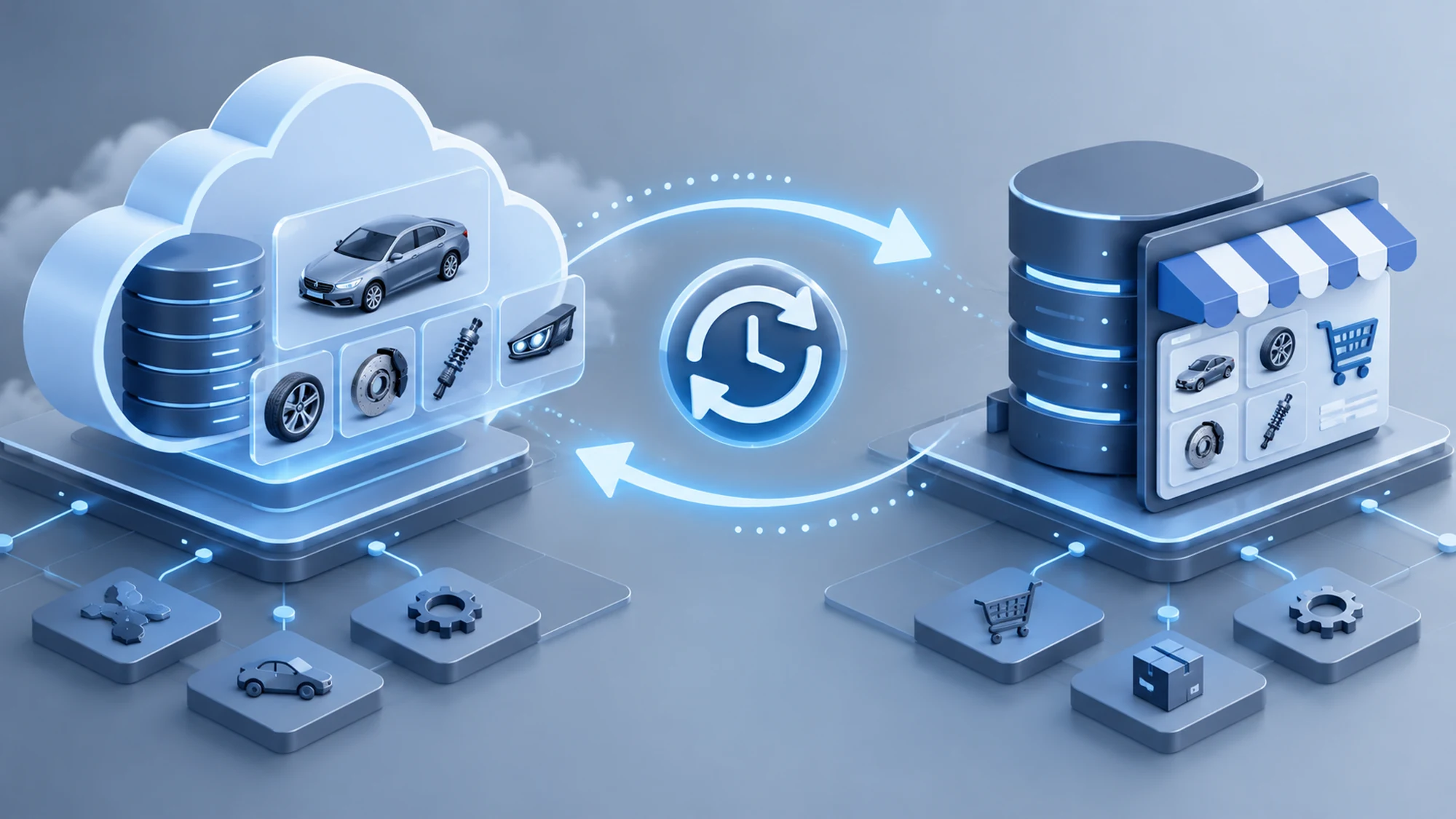
A VIN search that hits the TecDoc API directly on every click looks like the simplest thing to build, but it quickly becomes the most fragile part of the store: visible latency for the customer, full dependency on an external service being up, and request costs that grow with traffic. The right fix isn't dropping the API, it's building a correctly synced local data layer between TecDoc and your store's database, so VIN search answers from fresh local data instead of repeated live requests.
The real challenge isn't pulling the data once, it's keeping it consistent over time: a vehicle decoded today has to return the same set of compatible parts a week later, even though TecDoc may have updated the catalog in the meantime. Without a clear sync strategy, you end up with two opposite failure modes: stale data hiding newly available parts, or sync jobs that overwrite good data with partial responses after an API error.
This guide covers how to design the sync architecture between the TecDoc API and a Laravel store's local database, focused on VIN search: what table structure to use, how to run update jobs without blocking in-flight searches, and how to catch stale data before it reaches a real customer.
Why VIN search shouldn't hit the TecDoc API live on every request
The TecDoc API runs on a license and a request quota, and decoding a VIN into a KTYPE (the internal vehicle identifier: model, engine variant, model year) typically involves several chained calls before you get the final list of compatible articles. Done live, on every visitor, that chain adds anywhere from a few hundred milliseconds to a few seconds to response time and burns request quota even for VINs already searched repeatedly by different users.
A local data layer solves both problems: already-decoded VINs return instantly from your own database, and the TecDoc API is only called for a new VIN or when local data has crossed the freshness threshold the store defines. The difference from a generic cache is that this local layer isn't just a speed optimization, it's a continuity mechanism: if the TecDoc API has a temporary outage, searches for already-synced vehicles keep working normally.
Minimum table structure for a local VIN and compatibility cache
A Laravel implementation needs at least two dedicated tables, separate from your main product tables, so you can sync and invalidate TecDoc data without touching the catalog itself:
- vin_lookups — stores the VIN (or a hash of it, if you want to avoid storing it in plain text), the resulting KTYPE, the last sync timestamp, and a status flag (
resolved,ambiguous,not_found). - ktype_compatibility_cache — stores, per KTYPE, the list of compatible articles returned by TecDoc, with the last update timestamp and a version/hash of the response, used to quickly detect whether the data actually changed since the previous sync.
Keeping this separate from product tables matters because a compatible article returned by TecDoc doesn't necessarily have a match in the store's own inventory. The link between TecDoc's article_number and the internal SKU is handled by a separate mapping table, not by overwriting existing products directly.
Sync job: when it fires and how to avoid overwriting good data with partial results
Syncing a new VIN naturally triggers on first search: if vin_lookups has no record for that VIN, the controller dispatches a job to the queue instead of waiting for a synchronous API response inside the visitor's HTTP request.
| Scenario | Recommended action |
|---|---|
| Unknown VIN locally | Queue a job to TecDoc, return a temporary "processing" response to the client |
| Known VIN, recently synced | Return directly from the local database, no API call |
| Known VIN, sync expired (TTL exceeded) | Return local data immediately + dispatch a background resync job |
| Partial or failed API response | Job marked failed, existing local record stays unchanged, retried later |
The critical rule is the last row: a sync job should only write to the local database after receiving a complete, valid response from TecDoc. If the job fails midway (timeout, network error, empty response), leave the old data untouched and mark the job as failed for retry, rather than overwriting a good cache with a partial result. In Laravel, that means building the full result object before any update() or upsert() call, not writing progressively as data arrives.
TTL and freshness: how long local synced data stays valid
There's no universal correct TTL — it depends on how often TecDoc updates compatibility data for the parts categories you sell, and how tolerant the store is of a small lag between the TecDoc catalog and what's shown locally. In practice, two separate thresholds work well for most stores:
- TTL for the VIN → KTYPE mapping: can be long (30-90 days), since the relationship between a VIN and its vehicle never changes once decoded.
- TTL for the compatible articles list per KTYPE: should be much shorter (24-72 hours), since TecDoc can add or remove articles from the catalog without an explicit notification to integrated stores.
This split TTL is exactly why the two separate tables from the previous section matter: VIN decoding and the compatibility list expire at different rates, and a single shared TTL either resyncs the VIN mapping needlessly often or keeps a stale article list around too long.
Common sync pitfalls and how to mitigate them
Most issues reported by stores after integration don't come from the TecDoc API itself, but from how the local sync handles edge cases:
- Duplicate jobs for the same VIN: if two customers search the same VIN simultaneously before the first sync completes, you can end up with two identical jobs in the queue. Use a unique lock (e.g.
Cache::lock()in Laravel, keyed on the VIN) before dispatching the sync job. - Ambiguous results treated as errors: when TecDoc returns multiple candidate KTYPEs for the same VIN, that's not a sync error, it's a valid status that should be stored as such (
ambiguous), not resynced repeatedly hoping for a single result that won't come. - Local and TecDoc data drifting silently: without a hash or version of the response stored locally, it's hard to tell whether the compatible articles list actually changed or whether the last sync silently failed. Compare the new response's hash against the stored one before rewriting the record.
- Sync queue blocked by one slow job: an API call that responds slowly can keep a worker busy for minutes. Set an explicit timeout on TecDoc sync jobs and use a dedicated queue, separate from the store's critical queues (orders, payments).
Practical plan: implementing VIN sync step by step in Laravel
- Create the
vin_lookupsandktype_compatibility_cachetables, separate from product tables, with fields for status, TTL, and a version hash. - On VIN search, check local data first; if it's missing or the TTL has expired, dispatch a queue job instead of waiting for a synchronous TecDoc response inside the request.
- Use a unique lock on the VIN before dispatching, to avoid duplicate jobs for the same vehicle searched simultaneously by multiple customers.
- Inside the job, build the complete response before writing; if the TecDoc API responds partially or with an error, don't overwrite the existing record.
- Compare the new response's hash against the stored one; only write when the data actually changed, to keep "last modified" timestamps meaningful.
- Explicitly handle the
ambiguousstatus for VINs with multiple candidate KTYPEs, instead of retrying resync hoping for a single match. - Use a dedicated queue for TecDoc sync jobs, with an explicit timeout, so it doesn't block the store's critical queues.
- Monitor the failed-job rate; a sudden spike usually signals an issue on the TecDoc API side, not in your code.
How to verify the sync works correctly before launch
Before putting sync into production, test it explicitly against scenarios that don't show up in the usual happy path: a valid VIN with an ambiguous KTYPE, a VIN for a very recent vehicle that may not have complete data in TecDoc yet, and a simulated API failure (timeout or 500 response) to confirm a failed job doesn't modify existing local data. Also check what happens when two users search the same VIN at the same time on first sync — the most common place untested duplicate jobs show up.
FAQ: common questions about TecDoc-Laravel sync for VIN search
Why isn't a simple cache (Redis, file cache) enough for VIN data?
A generic cache solves speed but not consistency: you don't know when data was last synced, you can't distinguish a VIN with an ambiguous result from one that's simply not synced yet, and you have no history to detect failed jobs. Dedicated database tables give you explicit control over status and TTL, and Redis can sit on top as an extra speed layer, not as a replacement for them.
How often should the compatible articles list be resynced per KTYPE?
A 24-72 hour TTL works well for most stores, but it depends on how often TecDoc updates the catalog for the parts categories you sell. The VIN-to-KTYPE mapping can have a much longer TTL, since the relationship between a vehicle and its VIN doesn't change after decoding.
What should happen if a sync job fails midway through?
Keep the existing local data unchanged and mark the job as failed for retry. Writes to the database should only happen after a complete, valid response has been received from TecDoc, not progressively as partial data arrives.
How do you avoid duplicate jobs when multiple customers search the same VIN at once?
By using a unique lock keyed on the VIN before dispatching the sync job (for example Cache::lock() in Laravel). If a lock already exists for that VIN, new requesters wait for the in-progress job's result instead of triggering an identical one.
Does a VIN with multiple candidate KTYPEs mean the sync failed?
No. It's a valid result for vehicles where the VIN doesn't fully distinguish engine variant or market. This should be stored explicitly as an ambiguous status and presented to the customer for confirmation, not treated as a sync error to fix through repeated retries.
Conclusion: correct sync matters more than raw job speed
A fast VIN search doesn't come from calling the TecDoc API more often or more aggressively, it comes from building a well-structured local data layer, with separate TTLs for VIN mapping and compatibility, jobs that never overwrite good data with partial responses, and explicit handling of ambiguous cases. Once that foundation is in place, VIN search becomes fast naturally, because it's answering from valid local data, not because one isolated job got optimized.
If you want a solid TecDoc sync architecture for your Laravel store, with consistent VIN data and no risk of stale results, let's talk about your project. Check out our portfolio of TecDoc integrations for auto parts stores.

Write a comment