 EN
EN RO
RO
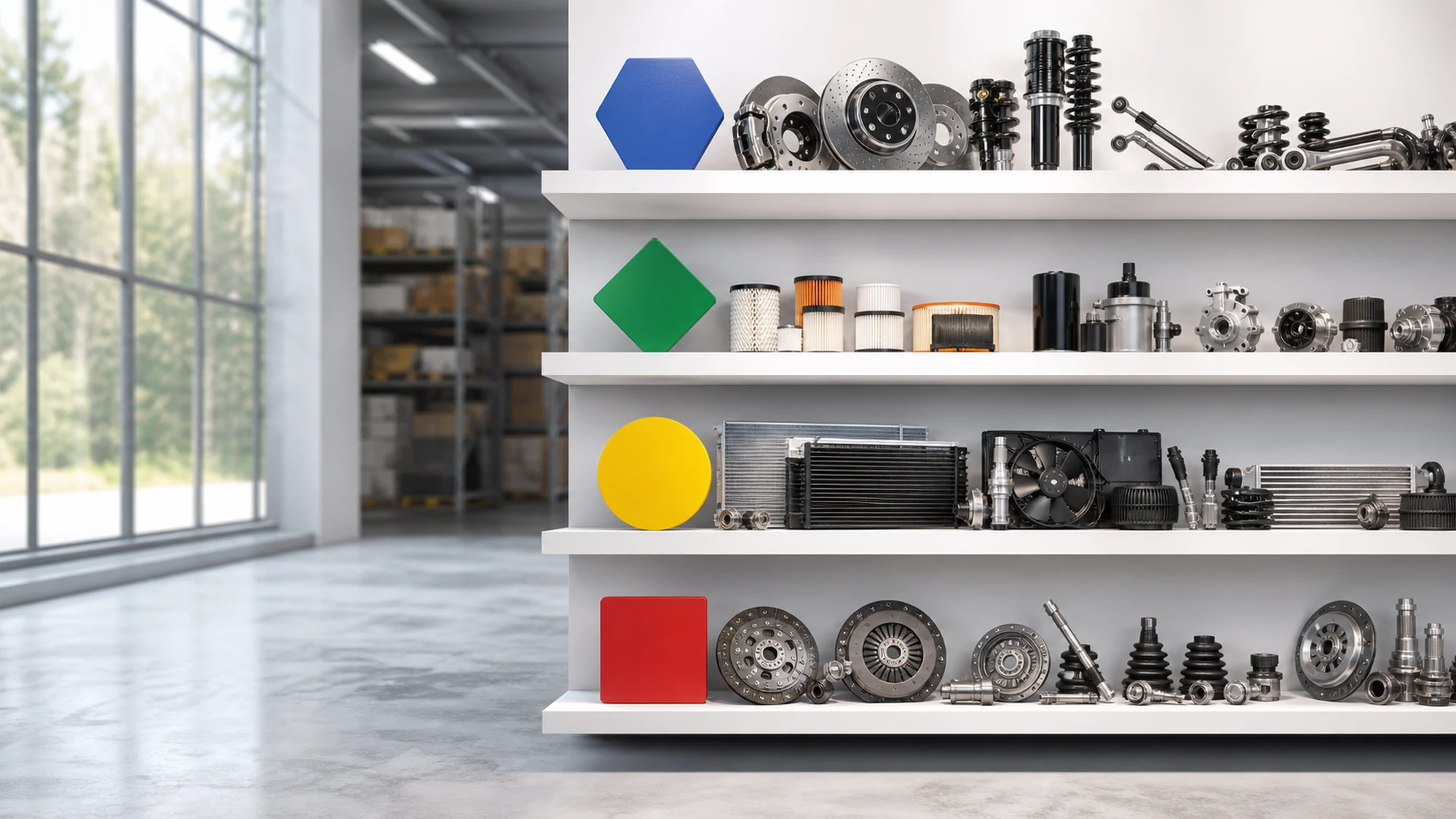
An auto parts store selling Bosch, Febi, Textar and dozens of other aftermarket brands at once doesn't really have a TecDoc licensing problem — it has a data organization problem. For the same part compatible with a vehicle, TecDoc returns multiple offers from different brands, each with its own manufacturer code, quality tier and price. If the site treats them all the same, the customer can't make an informed choice, and the catalog becomes hard to maintain.
This article explains how to build a coherent multi-brand TecDoc catalog: how to treat brand as a real dimension of the data model (not just a label on a product), how to differentiate price and stock per supplier, how to avoid near-identical pages for Google, and which UX decisions separate "a store with many brands" from "a chaotic store with many brands."
What a multi-brand catalog technically means in TecDoc
In TecDoc's data structure, each aftermarket part is linked to a manufacturer (brand) through the reference article (the manufacturer's part number) and a standardized article group (e.g. brake pads, oil filter). For the same article group and vehicle, TecDoc can return dozens of offers from different brands, each with its own code, specifications and, often, its own quality tier (OE, OES or standard aftermarket).
A multi-brand catalog isn't just "show every TecDoc offer for a vehicle." It means brand becomes an explicit navigation and decision dimension: the customer needs to filter by brand, compare two brands for the same part, and understand the price and quality difference before buying.
Taxonomy: brand as its own dimension, not a hidden attribute
The most common mistake in a multi-brand integration is treating brand as a simple field in the product table, visible only in the technical spec sheet. For a catalog that actually works for users, brand needs to exist at three levels:
- A brand filter in the product listing, alongside price and vehicle compatibility.
- A dedicated brand page (own URL), with the parts available from that manufacturer and minimal context on its positioning (OE, premium aftermarket, budget).
- An explicit signal on the product page: original manufacturer code, country of origin if available, quality tier per TecDoc's classification.
Without this separation, a customer searching specifically for "Textar brake pads" struggles to reach the right result, and search engines don't get a clear URL to index for that brand-specific search intent.
Supplier data: price, stock and availability per brand, not per generic part
TecDoc gives you the part's technical data, but not price and stock — those come from your own sources or from distributors, usually a distinct one per brand or group of brands. In practice, each brand offer on a product page needs its own commercial data feed, linked to the TecDoc reference through the manufacturer code.
This is where a second common risk appears: when two different suppliers send stock and price feeds for the same article group but in different formats (one in RON, another in EUR, one VAT included, another not), the sync process needs to normalize everything before displaying the offers side by side. Otherwise the comparison on the page becomes misleading for the customer.
When to show every available brand vs. when to limit the selection
Not every store needs to expose every TecDoc offer for each part. The decision depends on the business model:
- Auto parts marketplace — you want as many visible brands as possible, with strong filtering by price and quality, since choice volume is itself the competitive advantage.
- Curated store with a limited number of partner brands — you only show brands you have a direct commercial relationship with (stock, warranty, returns), even if TecDoc lists more options. Here you filter at the data import level, not just in the interface.
- Repair shop or B2B for garages — you prioritize brands with fast availability and predictable pricing, since the buying decision depends more on lead time than on choosing among 10 brands.
This decision needs to be made before the technical architecture, not after: if you know you'll limit brands, the data import can filter at the source, which reduces the volume of synced data and catalog complexity.
Common risks in a multi-brand catalog and how to avoid them
A few problems show up almost every time a store moves from one main brand to a catalog with dozens of brands:
- Near-identical content between brands — if the product page only uses the standard TecDoc technical description, two brand offers for the same part can look identical to Google apart from name and price. Fix: distinct structured data per offer (manufacturer code, brand, availability) and avoiding separate pages for variants with no real content difference.
- Inconsistent data quality between suppliers — one brand comes with full images and specs, another with minimal data. Without a validation step before publishing, the customer sees uneven trust signals within the same catalog.
- Compatibility confusion between equivalent brands — two brands can cover the same article group but with slightly different variants (e.g. with or without a wear sensor). If the site treats them as interchangeable without nuance, returns and complaints follow.
- Delayed sync on secondary brands — the main brand has real-time stock feeds, but brands added later stay on manual or delayed updates, leading to orders placed on depleted stock.
Practical plan: steps to build a coherent multi-brand TecDoc catalog
- Explicitly define the list of brands you'll show and the selection criteria (direct partnership, TecDoc coverage, market demand).
- Model brand as its own entity in the database, with a dedicated page and URL, not a plain text field on the product.
- Link each brand offer to the TecDoc reference via the manufacturer code, keeping a single "article group" as the shared compatibility anchor.
- Normalize commercial data (currency, VAT, stock unit) before displaying it alongside other brands on the same page.
- Add filtering by brand and by quality tier (OE/OES/aftermarket) in the product listing.
- Manually review a sample of multi-brand pages for near-duplicate content before indexing, and adjust descriptions or canonicalization where needed.
- Schedule separate syncs per supplier source, with monitoring for brands falling behind on stock updates.
Table: single main-brand catalog vs. multi-brand catalog requirements
| Aspect | Single main-brand catalog | Multi-brand catalog |
|---|---|---|
| Taxonomy | Brand implicit, rarely used as a filter | Brand as a separate navigation dimension |
| Commercial data | Single price/stock source | Multiple sources, needs normalization |
| SEO risk | Low, unique content per product | High, risk of near-identical content between brands |
| Sync | Single update flow | Parallel flows, monitoring per supplier |
| Customer decision | Choosing between price variants of the same brand | Choosing between brands too, needs clear comparison |
Frequently asked questions about the TecDoc multi-brand catalog
Can I show every brand TecDoc returns for a part?
Technically yes, but it's not always recommended. If you don't have a commercial relationship (stock, warranty) with a brand, showing it can generate orders you can't fulfill. Filter at the data import level, not just visually.
How do I avoid two brands appearing as duplicate pages to Google?
Through distinct descriptions and structured data per brand offer, and clear canonicalization decisions when two variants have no real content difference, rather than artificially separating them into different pages.
Do I need a separate database for each brand?
No. The correct structure keeps a single TecDoc article group as the compatibility anchor, with multiple brand offers linked to it through the manufacturer code — not separate tables per brand.
How do I handle brands with incomplete technical data from a supplier?
Add a validation step before publishing: parts missing minimum specs (manufacturer code, confirmed compatibility) stay unpublished until completed, instead of going live with gaps.
Is multi-brand the same as multi-tenant?
No. Multi-brand means multiple part brands within the same store, for the same customers. Multi-tenant means multiple separate stores (sites) sharing the same TecDoc license and infrastructure, each with its own customers.
Conclusion
A TecDoc multi-brand catalog works when brand becomes a real navigation and decision dimension, not just a technical detail hidden in the product sheet. Clear taxonomy, normalized supplier data and an explicit plan for differentiating content between brands make the difference between a catalog that's easy to use and one that confuses customers with dozens of near-identical offers.
Want to properly organize a multi-brand TecDoc catalog for your store? Get in touch to discuss the right architecture for your volume and brands.

Write a comment