 EN
EN RO
RO
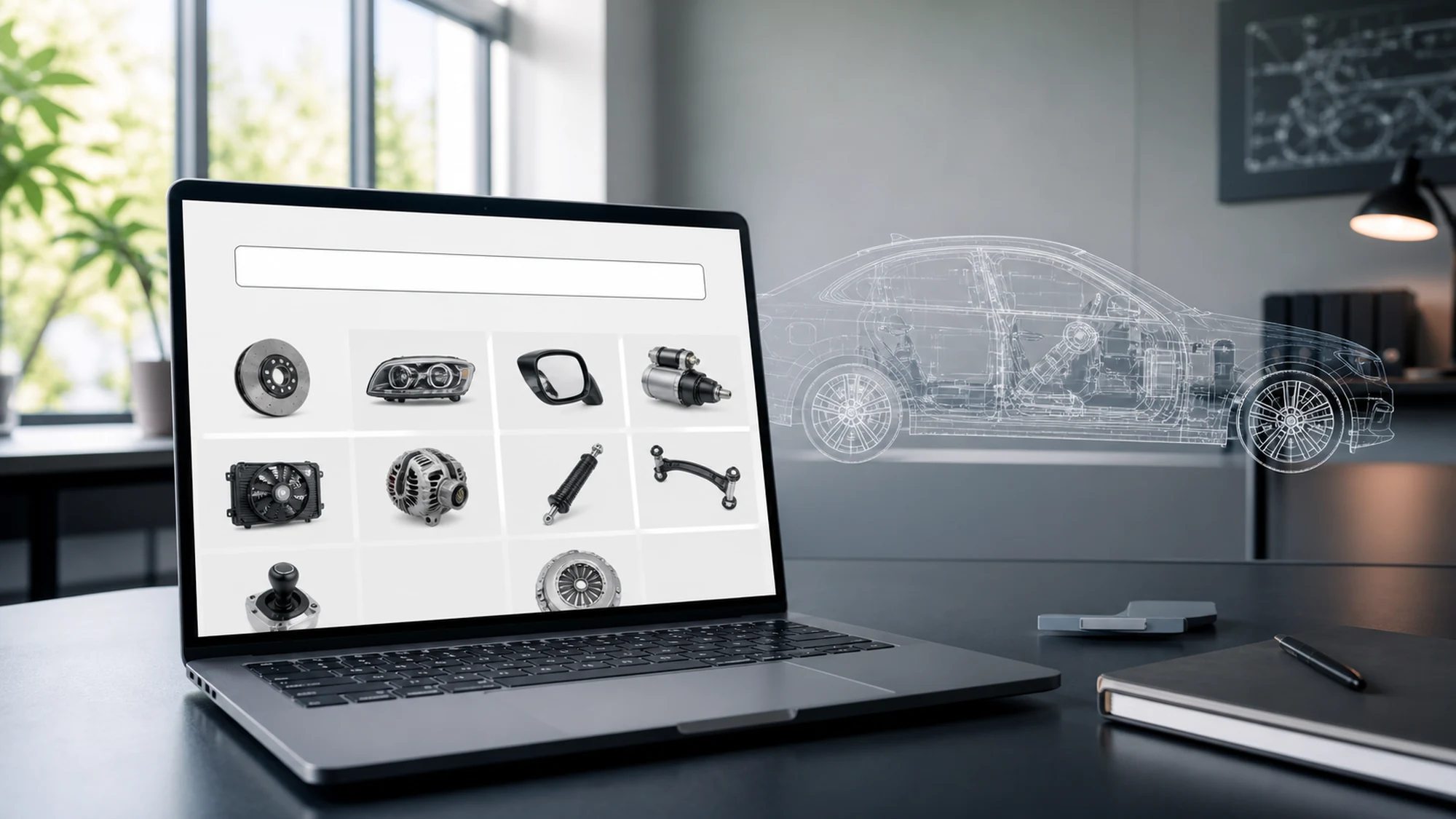
A customer enters their car's VIN and expects the list of compatible parts within a few seconds, not a loading screen that drags on. Optimizing an auto parts store for VIN lookup comes down to three combined factors: a clear response time budget for each step of the TecDoc query, a caching strategy tailored to fitment data, and an interface that honestly communicates what is happening while the API responds.
This article walks through each of these three areas, focusing on what changes compared to a "baseline" TecDoc integration: not just how to send a VIN search request, but how to make that search fast, predictable and easy to maintain under real traffic volume. We assume the TecDoc integration itself (license, API/WSDL, initial mapping) already works; the focus here is on optimizing the search experience.
Why VIN Lookup Has Different Performance Requirements Than the Rest of the Catalog
A standard catalog search (by category, brand or product code) typically hits data that is already indexed locally, with near-instant response. A VIN lookup is different: the first step decodes the VIN into a specific vehicle (make, model, year, engine), and the second step requests the list of compatible parts for that exact vehicle. If either of these two calls to TecDoc is slow, the user sees an empty page for longer than they are willing to wait.
The difference also matters because a user searching by VIN is, in most cases, closer to a purchase decision than one browsing categories — they already have the car in front of them or on paper and want quick confirmation that a part fits. A delay at this step translates directly into abandonment, not just generic frustration.
Response Time Budget: How Fast Should a VIN Result Be
Before optimizing technically, it helps to set an explicit time budget for each stage of the search flow, as a benchmark for measuring real performance:
- VIN format validation (client-side, no API call): under 100 ms.
- VIN decoding into a vehicle (call to TecDoc or local cache): target under 800 ms-1.2 seconds.
- Listing compatible parts for the identified vehicle: target under 1.5-2 seconds, including page rendering.
- Total perceived time, from submitting the VIN to seeing the parts list: under 3 seconds, as an orientative retention threshold.
These figures are orientative, not contractual TecAlliance thresholds — they depend on infrastructure, data volume and distance to the TecDoc endpoint. Their role is to give a clear optimization direction, not just "make it faster" as a vague goal.
Caching Strategy for VIN Fitment Data
Caching is, in most cases, the main performance lever for VIN lookup, because vehicle-part fitment data changes rarely compared to the volume of repeated searches for the same popular vehicles.
Caching the VIN-to-Vehicle Decode
The result of decoding a full VIN into a specific vehicle (make, model, year, engine, KTYPE) is practically static — an existing VIN does not change its associated vehicle. It makes sense to store this result with a long TTL (weeks or months), indexed directly by VIN, to avoid repeating the same TecDoc call for identical searches.
Caching the Compatible Parts List per Vehicle (KTYPE)
The list of compatible parts for a given KTYPE can change (new products added, stock, prices), but the fitment structure itself is relatively stable in the short term. A common strategy is to cache "which parts are compatible" separately (hours/days TTL, resynced periodically) from "what is the current stock and price" (queried live or with a very short TTL from your own system, not from TecDoc).
Differentiated Caching for Frequent vs. Rare VINs
Not all VINs deserve the same treatment. Popular vehicles (models sold in high volume in Romania) generate repeated searches for similar vehicles, even when the exact VIN differs; it makes sense to cache aggressively at the KTYPE level (shared by multiple VINs), not just at the individual VIN level, so new searches for already-seen vehicles also benefit.
Optimizing Calls to the TecDoc API
Beyond caching, how you structure calls to TecDoc directly affects the response time perceived by the user.
- Run VIN decoding and part listing sequentially, not in false parallel — the second call needs the result of the first (the vehicle's KTYPE), so parallelization is not possible here; the optimization comes from making each call as fast as possible, not from overlapping them.
- Use persistent/keep-alive connections to the TecDoc endpoint, to avoid the cost of TLS negotiation on every request.
- Limit requested fields to what is strictly needed for that step (e.g. don't request full technical details at the VIN decoding step if you only need vehicle identification).
- Add explicit timeouts and a fallback for cases where the TecDoc API responds slowly or not at all — don't let the user's request wait indefinitely.
Local Indexing: When Caching Alone Is Not Enough
For stores with high VIN search volume, simple key-value caching can become insufficient — especially when users also search by partial combinations (make + model + year, without a full VIN). In this case, it makes sense to maintain a local index, synced periodically from TecDoc data, in a dedicated search engine (e.g. Elasticsearch/Meilisearch) or in your own well-indexed database tables, separate from your short-term cache layer.
A local index enables fast queries even for cases the TecDoc API doesn't handle as efficiently (combined filtering, sorting by multiple criteria), without hitting the external endpoint on every search.
UX for VIN Lookup: Communicating the Wait Without Losing the Customer
Even with solid optimizations, a call to TecDoc can still take a visible second or two. How the interface handles that interval matters as much as the actual response time:
- Instant VIN format validation (17 characters, no I/O/Q) before sending the request, so you don't spend an API call on an obviously invalid VIN.
- A specific loading indicator ("Identifying vehicle...", then "Searching compatible parts...") instead of a generic spinner, to convey real progress.
- A clear, actionable message when the VIN is not recognized or has no mapped parts, with a manual search alternative (make/model/year), not just a plain "no results found".
- Keeping the identified vehicle in session, so the user doesn't have to re-enter the VIN on every new catalog page.
When a Slow VIN Response Isn't About TecDoc, But About the Store
Not every VIN lookup performance issue comes from the TecDoc API. A few frequent causes, worth checking on the store's side before suspecting the external endpoint:
- Missing indexes on the columns used to map the TecDoc result into your own database — searching for local products matching the KTYPE becomes slow even if the TecDoc call itself was fast.
- Synchronous rendering of the entire results page instead of progressive loading (the parts list appears incrementally, not only after everything has fully loaded).
- Missing VIN decode cache, meaning a full call to TecDoc on every search, even for VINs already seen recently.
- Server/hosting with high latency to the TecDoc endpoint, especially if the store's infrastructure is geographically far from TecAlliance's servers.
Monitoring: What to Measure After the Optimization Goes Live
Optimization doesn't stop at launch. It makes sense to continuously track a few metrics, to spot degradation before it becomes visible to customers:
| Metric | What It Shows |
|---|---|
| Average VIN decode response time | Health of the TecDoc call for the first step of the flow |
| Cache hit rate for VINs and KTYPEs | How effective the caching strategy is at reducing external calls |
| Unrecognized VIN rate | Possible mapping issues or local market data coverage gaps |
| Abandonment rate after VIN search | Indirect sign that response time or results aren't satisfying users |
| Errors/timeouts to the TecDoc endpoint | Need for a more robust fallback or an infrastructure review |
Practical Plan: VIN Lookup Optimization Checklist
- Define a response time budget for each step of the flow (validation, VIN decode, part listing).
- Implement separate caching for VIN decoding (long TTL) and for the compatible parts list per KTYPE (medium TTL, periodically resynced).
- Separate fitment data (relatively static) from stock and price (queried live from your own system).
- Add explicit timeouts and a fallback on every call to TecDoc.
- Verify indexing on the columns used to map KTYPE in your own database.
- Build a specific progress indicator for the search interface, not a generic spinner.
- Add a manual search alternative (make/model/year) for unrecognized VINs.
- Monitor response time, cache hit rate and unrecognized VIN rate.
FAQ: Frequently Asked Questions About Optimizing VIN Lookup with TecDoc
How fast should a store respond to a VIN search?
As an orientative benchmark, under 3 seconds from submitting the VIN to displaying the compatible parts list, with VIN decoding itself under 1-1.2 seconds. Exact figures depend on infrastructure and traffic volume, but beyond this range the risk of abandonment increases noticeably.
Can a VIN search result be cached entirely?
VIN-to-vehicle decoding can be cached almost entirely, since it doesn't change. The compatible parts list can be cached partially (the fitment itself), but stock and price must remain live or use a very short TTL, so you don't display outdated commercial data.
What should you do if the TecDoc API responds slowly at a given moment?
You need an explicit timeout and a clear message for the user ("this search is taking longer than usual"), plus, if you already have a local index, the ability to offer partial results from cache while the live call is retried or fails.
Is a dedicated search engine worth it just for VIN lookup?
It depends on volume. For a small-to-medium store, a well-structured cache is usually sufficient. For high traffic volume or combined searches (partial VIN, make/model/year, multiple filters), a local index in a dedicated search engine brings clear performance and flexibility benefits.
Does optimizing VIN lookup replace the need for a correctly configured TecDoc license?
No. Performance optimization assumes the TecDoc integration (license, API/WSDL, base mapping) already works correctly. Without solid fitment mapping, a fast search that returns wrong results is more damaging than a slow but correct one.
Conclusion: VIN Search Speed Is Built From Cache, Time Budget and UX, Together
An auto parts store optimized for VIN lookup isn't just about "is the TecDoc API fast or not" — it's about a deliberate combination of caching differentiated by data type, a measured response time budget for each step of the flow, and an interface that keeps the user informed while waiting. Each of these three components compensates for the limits of the others: caching reduces dependency on API latency, the time budget gives a measurable benchmark, and UX covers the interval that remains regardless of how optimized the technical integration is.
Want to optimize VIN lookup and vehicle fitment search in your auto parts store? Contact us for a technical consultation focused on TecDoc integration performance.

Write a comment