 EN
EN RO
RO
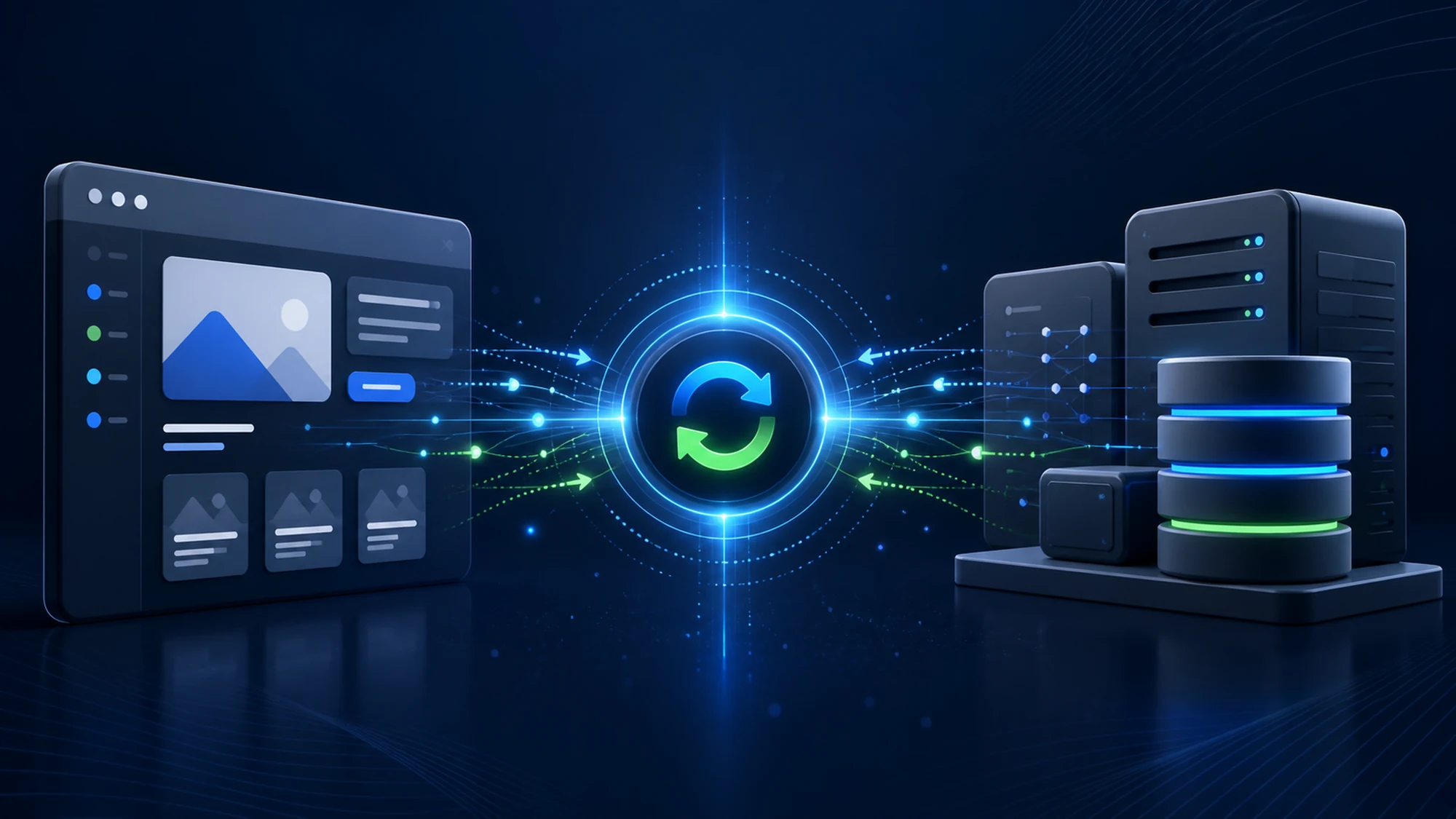
A company that had been running the same ERP for stock and invoicing for years asked us, on a recent project, for one clear thing: orders placed on the website had to reach the ERP automatically, and the stock shown on the site had to be the real one, not something updated manually once a day. Without that integration, the sales team was manually re-entering every online order into the ERP, and customers sometimes saw products "in stock" that had actually sold out the day before.
Integrating a custom website or web application with an existing CRM or ERP means building an automated data flow between the two systems — usually through an API, a shared database, or periodically synced files — so that information entered in one system (order, customer, stock, invoice) reaches the other correctly and on time, without duplicate manual entry.
This guide explains, from the HappyWeb team's perspective, how such an integration is practically designed, which sync models exist, what risks come up frequently, and what steps a project like this usually follows.
What CRM/ERP Website Integration Actually Means
A CRM (Customer Relationship Management) system usually manages customers, offers, and commercial interactions. An ERP (Enterprise Resource Planning) system manages stock, invoicing, accounting, and often production or logistics. In this context, the website or custom web application is the point of contact with the end customer — an online store, a B2B portal, or a quote request form.
Integration means these systems exchange data automatically, in both directions or in a single direction, depending on the process: an order placed on the website reaches the ERP without manual re-entry, and stock updated in the ERP is reflected on the website almost in real time, not with a delay of hours or days.
Why a Company Ends Up Needing This Integration
The need for integration rarely appears from day one; it usually becomes visible once order or customer volume outgrows what a small team can manage manually. The frequent warning signs, from our experience:
- Employees manually re-entering website orders into the ERP, daily.
- Stock shown on the website that doesn't match the real warehouse stock.
- Duplicate or conflicting customer data between the CRM and the website.
- Delayed invoicing because order data reaches the ERP incorrectly or incompletely.
- Incomplete sales reports because online sales don't automatically show up in the CRM.
Each of these signals has a cost — manual work time, human error, or business decisions made on incomplete data. Integration doesn't remove the need for people in the process, but it removes the repetitive, error-prone part of it.
Data Sync Models: How to Choose Between Them
There isn't a single "correct" way to sync data between a website and a CRM/ERP. The choice depends on how often the data needs to be updated and on what the existing internal system technically allows.
| Sync Model | How It Works | When It's Recommended |
|---|---|---|
| Real-time API | The website and the ERP communicate directly through an API, on every event (new order, stock change) | Stock/orders with direct impact on sales, where delay costs money (online stores) |
| Periodic sync (batch) | A process runs at a fixed interval (e.g. every 15-30 minutes) and transfers changed data | Data that doesn't need instant updates — product catalogs, price lists, customers |
| Shared database | The website and the ERP read/write directly into the same database or a dedicated intermediate database | Rare cases, usually when both systems run on the same infrastructure and are tightly coupled |
| Export/import files (CSV, XML) | The ERP periodically exports a file, which the website imports automatically or manually | Older systems, with no available API, where there is no other technical option |
In HappyWeb projects, real-time API integration is the preferred option whenever the internal system allows it — it reduces delays and the risk of error compared to export/import files, which nonetheless remain the only realistic option for some older ERPs without an exposed API.
Technical Architecture: How the Integration Is Built, Step by Step
Regardless of the chosen model, a well-built integration goes through the same architecture stages before writing the first line of connection code:
- Data mapping — determining exactly which fields correspond between the two systems (e.g. a "product code" on the website may not be the same identifier as the "SKU" in the ERP).
- Defining the flow direction — which data goes from the website to the ERP/CRM (orders, contact forms) and which goes the other way (stock, prices, order status).
- Choosing the connection method — REST API, webhooks, or files, depending on what the internal system exposes.
- Handling errors and retries — what happens if the ERP doesn't respond exactly when an order is placed; the order must never be lost.
- Authentication and security — the connection between the website and the internal system must be properly authenticated, not exposed publicly without protection.
- Logs and monitoring — every sync must leave a verifiable trace, so a failed data transfer can be quickly identified.
At HappyWeb, these components are built on Laravel, using scheduled jobs for periodic syncs and processing queues for real-time integrations, so that an order placed by a customer doesn't have to wait for the ERP's response before the order is confirmed to the customer.
Who Owns the Data: Clear Rules of Information Ownership
A frequent mistake in integrations is failing to explicitly define "who is the source of truth" for each type of data. Without this rule, conflicts appear — for example, stock gets modified manually on the website and then automatically overwritten by the ERP sync, or the other way around.
- The ERP usually remains the source of truth for stock, cost price, and accounting data.
- The CRM usually remains the source of truth for the history of commercial interactions with the customer.
- The website/web application usually remains the source of truth for new orders and data entered directly by the customer (account, shipping address, preferences).
This rule must be set explicitly, in writing, before starting technical implementation — it's not a decision you make "along the way," because changing it later often means rewriting the sync logic entirely.
Common CRM/ERP Integration Risks and How to Prevent Them
Integrations between different systems, built at different times, with different technologies, come with specific risks. The most frequent ones, from HappyWeb projects:
- Lost orders when the ERP is unavailable — if the integration is built synchronously, without a retry queue, an order placed exactly during an ERP outage can get lost. Mitigation: the order is saved on the website first, then sent to the ERP through a queue with automatic retries.
- Duplicate customer data — the same customer ends up with different records in the CRM and on the website. Mitigation: a common unique identifier (e.g. email or tax code) verified at every sync.
- Incorrectly displayed stock — an infrequent sync (e.g. once a day) leads to selling products already out of stock. Mitigation: more frequent stock syncing or, where volume justifies it, real time through an API.
- Incompatible data format — the ERP uses a different price or date format than the website, and the difference goes unnoticed until an invoicing error. Mitigation: explicit format validation on every transfer, not only at initial implementation.
- Missing audit log — without logs, a sync error discovered a few days later is nearly impossible to diagnose retroactively. Mitigation: every sync, successful or failed, is logged with enough detail for later investigation.
Practical Plan: Steps of a CRM/ERP-Website Integration Project
A structured plan reduces the risk of launching an incomplete or unstable integration. The steps below reflect the order usually followed in HappyWeb projects:
- Analysis of the existing internal system: what API or export methods the company's current CRM/ERP offers.
- Complete mapping of the relevant data fields (products, customers, orders, stock, prices).
- Explicitly establishing the source of truth for each type of data.
- Choosing the right sync model (API, batch, files), based on what's technically available and how critical speed is.
- Implementing the flow, with error handling and retries included from the first version, not added later.
- Testing with real data, including error scenarios (ERP unavailable, missing data, wrong format).
- Active monitoring in the first weeks after launch, with logs checked periodically, not only after complaints.
Portfolio Example: Integration with Internal Systems at Scale
Projects such as autopiesa.ro, eutruckparts.ro, or ketmolnarauto.hu operate with large volumes of products and orders, which makes correctly syncing stock and catalog data with internal systems a critical part of the architecture, not an optional one. The same design discipline — a single source of truth per data type, sync with retries, verifiable logs — applies regardless of whether the internal system is a dedicated ERP or a TecDoc-type catalog connected to the order flow.
The practical lesson from these projects: an integration designed correctly from the architecture stage drastically reduces the time needed to intervene when the internal system changes provider or version — because the data mapping logic is isolated, not scattered throughout the application code.
Frequently Asked Questions About CRM/ERP Website Integration
Which is better: real-time integration or periodic sync?
It depends on the process. Stock for an online store with fast sales benefits from real-time or short-interval sync. Data that changes rarely (e.g. price lists updated monthly) can run perfectly well on periodic sync, without added complexity cost.
Can a website be integrated with any CRM or ERP?
Technically, almost any system can be integrated, but complexity varies a lot. A system with a documented API is much simpler to integrate than an older one without an API, where the only option often remains file exports.
Who maintains the integration after launch?
Usually, the team that built the integration stays responsible for maintaining it, similar to the maintenance of any custom web application — updates, monitoring, and adaptation whenever the internal system changes.
What happens if we switch ERPs in the future?
If the integration was built with the data mapping logic isolated in a dedicated module, switching ERPs usually means adapting that module, not rewriting the entire web application.
How long does implementing a CRM/ERP integration take?
It depends directly on the quality of the API exposed by the internal system and the volume of data to map. A simple integration, with a well-documented API, can take a few weeks; one with older systems, without an API, usually takes significantly longer.
Conclusion: Correct Integration Starts With Architecture, Not Code
A functional CRM/ERP integration isn't just a technical connection between two systems, it's a set of clear decisions — who owns each type of data, how often it needs to be synced, what happens when a system doesn't respond. Made correctly, from the architecture stage, these decisions turn integration from an operational risk into a real advantage: less manual work, correct real-time data, and business decisions based on current information.
Want a website or application built around your business's real needs? Contact us for a discussion about your project.
Already have a CRM or ERP and want your website properly connected to it?
HappyWeb builds custom websites and web applications integrated with a company's existing internal systems. See our portfolio for projects with large volumes of synced data.
Related Articles
- Optimizing the Loading Speed of a Custom Laravel Web Application
- TecDoc Integration Performance Issues: Optimizing Catalog Sync
Image generated with AI, used for illustrative purposes.

Write a comment