 EN
EN RO
RO
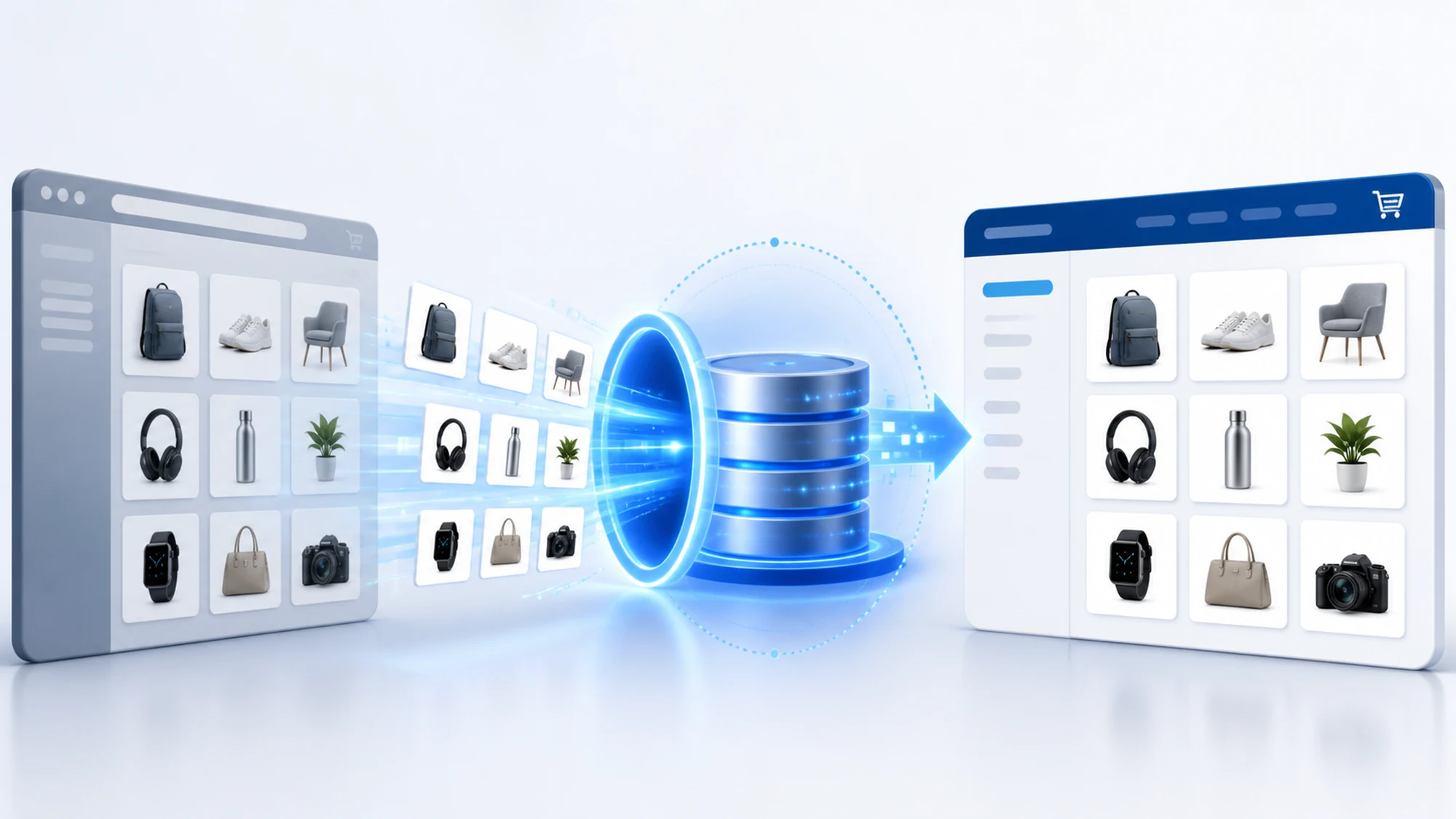
When an online store works with dozens or hundreds of suppliers, manual product entry becomes the bottleneck that slows down every new product launch. Crawling solves exactly this problem: it automatically pulls title, code, manufacturer, description, price and images directly from supplier sources and delivers them ready-structured for your catalog.
The difference from manual entry isn't just speed. A team entering products by hand makes typing mistakes, skips fields and constantly falls behind on price or stock updates. A crawling script runs the same way every time, at a set frequency, and delivers consistent data whether you're dealing with 200 or 20,000 products.
This article walks through the concrete steps that move data from a supplier's website into your own catalog, the problems that come up in practice, and how the effort for a project like this is roughly estimated.
What automated catalog population via crawling actually means
Automated catalog population via crawling means using a script (bot) that periodically visits a supplier's product pages, extracts the relevant fields, and turns them into a format your online store can import directly. Crawling is the process of the bot navigating the source's web pages, while parsing is the step where raw data (HTML) is converted into structured fields: title, product code, category, price, stock, technical attributes, images.
The result isn't a plain list of links — it's a ready-to-import dataset: an Excel file, a relational database, or an XML/CSV feed, depending on how the client's eCommerce platform works.
What data you can pull automatically from a supplier
Depending on how detailed the supplier's website is, a crawling project can retrieve:
- Full product title and description
- Manufacturer code (SKU) and the supplier's internal code
- Category and subcategory, for direct mapping into your own structure
- List price and, where publicly shown, available stock
- Technical attributes (dimensions, color, compatibility, specifications)
- Product images, in whatever resolution is available on the source
Not every supplier site displays all of these fields publicly. Some show prices only after logging into a partner account — in that case the technical approach needs to adapt (authenticated crawling) or be replaced with a direct conversation with the supplier about a data export.
How the process works, step by step
A project that automates catalog population usually follows the same sequence of steps:
- Source analysis — checking the supplier site's structure, robots.txt, and whether the needed data is public.
- Building the dedicated script — each supplier has its own HTML structure, so the extraction script is written specifically for that source.
- Field mapping — extracted fields (title, code, price) are aligned to your own catalog structure, including categories.
- Data validation and cleanup — duplicates, corrupted characters and empty fields are removed before import.
- Delivery in the required format — Excel, database, or feed, depending on what your eCommerce platform imports.
- Scheduled runs — the script runs automatically at a set interval, for ongoing price and stock updates.
Crawling vs official supplier API: how to choose
If the supplier offers an official API or a dedicated data feed, that's always the first option to consider — it's more stable and doesn't depend on the page's HTML structure. Crawling becomes the right solution when the supplier offers no API, has no structured data feed, or API access involves costs/integrations the supplier doesn't extend to every partner.
| Criterion | Official supplier API | Crawling |
|---|---|---|
| Availability | Only if the supplier offers it | Possible for any public site |
| Long-term stability | High, with official documentation | Depends on the source page's structure |
| Implementation speed | Fast, if documentation exists | Needs a dedicated script per source |
| Available data fields | Limited to what the API exposes | Anything publicly shown on the page |
In practice, many stores use a combination: API where it exists, crawling for the rest of the suppliers. This decision is made per data source, not for the whole project at once.
Common risks and how to prevent them
Automation brings speed, but it has sensitive points that need to be managed from the start:
- Supplier site structure changes — any redesign of the page can break correct extraction. Mitigation: periodic monitoring of the script and automatic alerts when results drop sharply.
- Incomplete or inconsistent data — some products don't have every field filled in on the source. Mitigation: validation rules that flag incomplete products for manual review instead of importing them directly.
- Unclear extraction permissions — not every site allows crawling. Mitigation: always check robots.txt and the source's Terms and Conditions before starting collection; for unclear cases, get written confirmation from the supplier or consult a legal specialist.
- Duplicates across suppliers — the same product can appear at multiple suppliers under different codes. Mitigation: matching rules based on manufacturer code or EAN, not just title.
How often to sync the catalog with supplier data
Frequency depends on the type of data and how volatile pricing is in that field. For catalogs with stable pricing, weekly syncing can be enough. For categories where prices change often (electronics, auto parts with limited stock), a daily or even multiple-times-a-day update reduces the risk of selling at an outdated price or an item the supplier no longer has in stock. Stock, when publicly shown, deserves the most frequent check of all the fields.
A practical implementation plan for a project like this
A realistic plan for moving from manual entry to automated population looks like this:
- Week 1 — supplier inventory, robots.txt/permissions check, and defining the mandatory catalog fields.
- Weeks 2-3 — building the dedicated script for priority sources and the first test data delivery.
- Week 4 — final category mapping, data validation and import into the production catalog.
- Ongoing — scheduling automatic syncs and periodic monitoring of the script against source changes.
What automating catalog population costs
The cost of a project like this depends on three main factors: the complexity of the requested data (how many fields, how many technical attributes), the product volume, and the number of different suppliers (each source usually means its own script, since every site has a different structure). The first collection from a new source is always more effort than later syncs, which run on the already-built script. For a concrete estimate based on your number of suppliers, the most direct path is a focused conversation about the project.
Frequently asked questions
Can catalog automation be done for any supplier?
Not automatically for every one. It depends on whether the supplier publicly displays the needed data and whether the site allows crawling per robots.txt and its Terms and Conditions. For suppliers with protected data or data accessible only through a partner account, the right solution may be a data export negotiated directly with the supplier.
What happens if the supplier changes their website?
The extraction script is built on the page's current structure, so a major design change may require adjusting the script. Periodic monitoring of the results allows these situations to be detected quickly, before imported data becomes incomplete.
Does the extracted data completely replace manual work?
It significantly reduces the volume of manual entry, but a spot-check remains useful, especially for products flagged as incomplete after validation or for new categories that haven't been mapped yet.
How fast do results show up after implementation?
The first data delivery can be ready after the initial weeks of script development (see the implementation plan above), but the real value shows up once automatic syncs run consistently and the catalog stays updated without repeated manual intervention.
What data delivery format fits my catalog?
It depends on the eCommerce platform you use: some import Excel/CSV files directly, others need a relational database or a structured XML feed. The format is decided during the project analysis stage, before the script is built.
Conclusion
Automating catalog population with supplier data through crawling replaces hours of manual entry with a repeatable flow: extraction, validation, import, periodic sync. The most important step remains correctly checking each source's permissions before starting collection, followed by a script built specifically for each supplier's structure.
Want to automate data collection from your suppliers and stop entering products into your catalog by hand? Let's discuss your project or see the full service: Web crawling services.

Write a comment