 EN
EN RO
RO
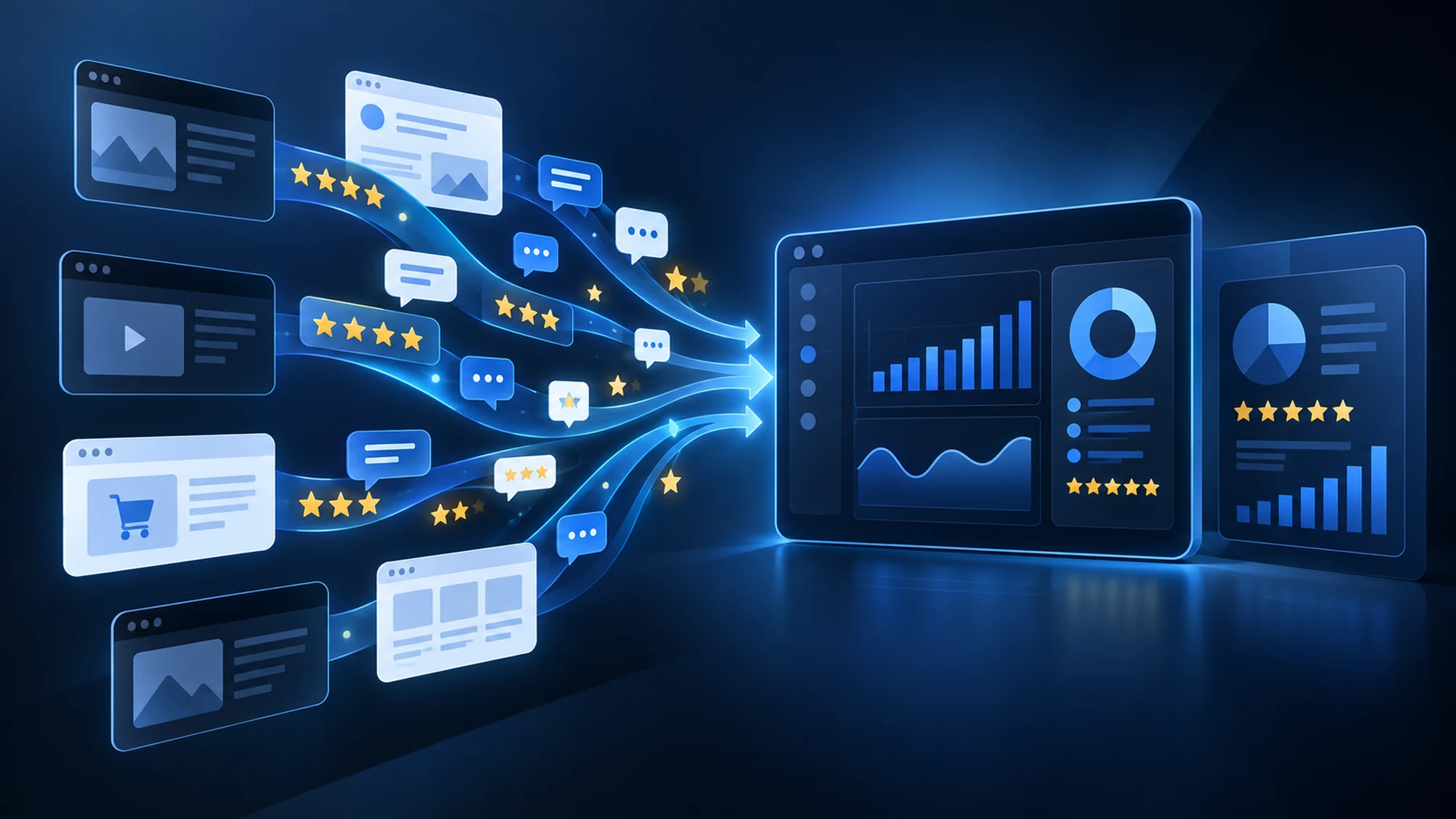
A brand with an online presence collects reviews in different places — Google Business Profile, Facebook, marketplaces, price comparison sites — and manually checking each one, page by page, quickly becomes unsustainable as volume grows. A dedicated crawling script solves exactly this problem: it periodically visits the relevant sources, extracts new reviews, the average rating, and brand mentions, then brings them into a single centralized report, without anyone on the team having to open each platform manually.
The difference from an occasional Google search is consistency: crawling runs on a set schedule and flags changes — a new negative review, a drop in the average rating, a mention in an unexpected context — instead of you stumbling across them by chance.
This guide explains what reputation monitoring through crawling actually means, which sources can be tracked, what a practical implementation flow looks like, and which legal limits apply when collecting user-generated content.
What Online Reputation Monitoring via Crawling Means
Online reputation monitoring means systematically tracking everything said publicly about a brand, product, or service: rated reviews, text comments, mentions in articles or forums, marketplace evaluations. Applied through crawling, the process becomes automated — a script periodically visits the established sources, extracts new content since the last check, and structures it into an easy-to-read format (table, database, periodic report).
The goal isn't just centralizing data, it's reaction speed. A negative review noticed on the day it appears can get a fast response; the same review discovered three weeks later, through an occasional manual check, has already had time to influence other customers' decisions.
Which Sources Can Be Tracked for Brand Reputation
Relevant sources vary by business type, but the basic structure is similar for most companies with an online presence.
- Google Business Profile — reviews and average rating shown directly in Google search results and on Maps, often the first place a potential customer checks a brand's reputation.
- Facebook — reviews on the business page, comments on posts or ads, where the tone of conversation can be more direct than on dedicated review platforms.
- Marketplaces and price comparison platforms — seller- or product-level ratings, especially relevant for online stores that also sell through secondary channels.
- Dedicated review platforms — sites specialized in company or product evaluations, frequently checked before a higher-value purchase decision.
- Forums and discussion groups — indirect mentions, without a formal rating, but relevant to a brand's actual perception within a community.
Not all sources above have the same level of public access — some expose reviews openly, others restrict automated access or require authentication, a point covered in the legal limits section below.
How a Review Monitoring Project Works in Practice
A typical implementation flow follows a few clear steps, similar to any crawling project but adapted to the specifics of user-generated content.
- Defining the target sources. The relevant platforms for the brand are explicitly listed (Google Business Profile, the Facebook page, the marketplaces where the brand actually sells).
- Defining the data to extract. Typically: review text, rating, date, displayed username (if public), and any response already given by the brand.
- Setting the collection frequency. Daily for brands with high review volume or higher reputational risk exposure; weekly for moderate volume.
- Detecting new content. The script compares each run against the previous one and flags only the reviews/mentions that appeared since the last check, not the entire history every time.
- Delivering the report. Data arrives in a usable format — Excel, database, or a direct alert for low-rated reviews — depending on how it will be used internally.
Reactive vs Proactive: Why Detection Speed Matters
The difference between managing reputation proactively and managing it reactively lies in when you find out about a problem, not in the quality of the response given.
| Approach | How it works | Main risk |
|---|---|---|
| Occasional manual check | Someone on the team searches for the brand on Google/Facebook periodically, with no fixed schedule | Negative reviews can go unanswered for weeks |
| Native platform alerts | Notifications from Google Business Profile or Facebook, limited to that one source | No centralized view across multiple platforms at once |
| Scheduled, centralized crawling | Dedicated script, run at a set frequency across all relevant sources | Requires initial setup and ongoing maintenance |
Native alerts from each platform help, but remain isolated — a brand present on five different sources still ends up checking five separate places. A centralized crawling flow brings all sources into a single point to read.
Common Risks and How to Avoid Them
- High volume of noise, little signal. Without a clear alert threshold (e.g. any review under 3 stars), the team receives a long report that's hard to go through daily. The fix is segmenting the report: critical reviews separated from routine positive ones.
- Duplicate reviews between runs. Without deduplication logic (comparing against the previous run), the same review can appear repeatedly in the report. The script must remember what was already extracted.
- Structural changes on the source platform. Just like any crawling project, if the platform changes its design, the selectors used for extraction need updating — which is why periodic maintenance is part of the project, not an unforeseen extra cost.
- Restricted access on some platforms. Not all sources allow automated content extraction; availability must be verified source by source before promising full coverage.
Legal Limits to Keep in Mind
Reviews often contain information that can be linked to a person (displayed name, sometimes a profile picture), which is why collecting them isn't legally identical to extracting product data such as price or stock.
- Check robots.txt and the terms of use of each platform before starting collection — many large platforms explicitly restrict automated access to their content.
- Treat usernames and other data displayed in reviews as potential personal data, even when public — collecting and storing them falls under GDPR.
- Where possible, prefer aggregating at the rating and text-content level, without prolonged storage of personal identifiers unless the monitoring purpose explicitly requires it.
- For unclear situations or sources with strict access restrictions, consult a legal specialist before implementing automated collection.
These aspects are covered in more depth, with context applicable to any data extraction project, in our guide on legal web crawling, robots.txt, and GDPR.
Practical Checklist for a Reputation Monitoring Project
- Have you listed every platform where the brand receives reviews or mentions?
- Have you checked robots.txt and the terms of use for each source?
- Have you set a clear alert threshold for critical reviews (e.g. under 3 stars)?
- Have you defined a collection frequency matched to your review volume?
- Do you have a maintenance plan for when a platform changes its structure?
- Have you clarified how you handle personal data shown in reviews, from a GDPR perspective?
Frequently Asked Questions About Monitoring Reviews via Crawling
How often should reviews be collected for an average brand?
For most brands, a daily or every-other-day frequency is enough to catch negative reviews quickly without overloading the source platforms. Brands with very high daily transaction volume may need more frequent checks on critical sources, such as Google Business Profile.
Can a competitor be monitored automatically too, not just your own brand?
Technically, the process is similar — the same types of sources are tracked for the competitor's public profile. The same legal limits around robots.txt and platform terms apply; not every profile or source allows automated extraction, regardless of who is being monitored.
What happens if a platform blocks automated access?
If the platform's terms explicitly prohibit automated access, or robots.txt restricts that area, the source can't be included in the crawling flow. In that case, occasional manual checking or using an official API (where the platform offers one) remain the correct options.
Does monitoring reviews via crawling replace responding to customers manually?
No. Crawling solves the detection and centralization part — it quickly tells you what's new and where. The actual response to a review, especially a negative one, remains a human decision and action, tied to the brand's tone and communication strategy.
What's the difference between review monitoring and competitor price monitoring?
The basic technical mechanism (scheduled crawling, structured extraction, periodic report) is similar, but the type of data differs: prices are product data with no personal information, while reviews often contain usernames or other elements that can be linked to a person, which brings additional GDPR requirements.
Conclusion
Online reputation monitoring becomes hard to manage manually as a brand grows and reviews appear across more and more platforms. A scheduled crawling flow, with clearly defined sources, an alert threshold for critical reviews, and respect for the legal limits around user-generated content, turns this process from an occasional, incomplete check into a centralized, constantly updated report.
Want to automatically track what's being said about your brand across multiple platforms, without daily manual checks? Let's discuss your project and we'll propose a solution tailored to the sources relevant to your business. You can also see the full details of our web data crawling service.
Image generated with AI, used for illustrative purposes.

Write a comment