 EN
EN RO
RO
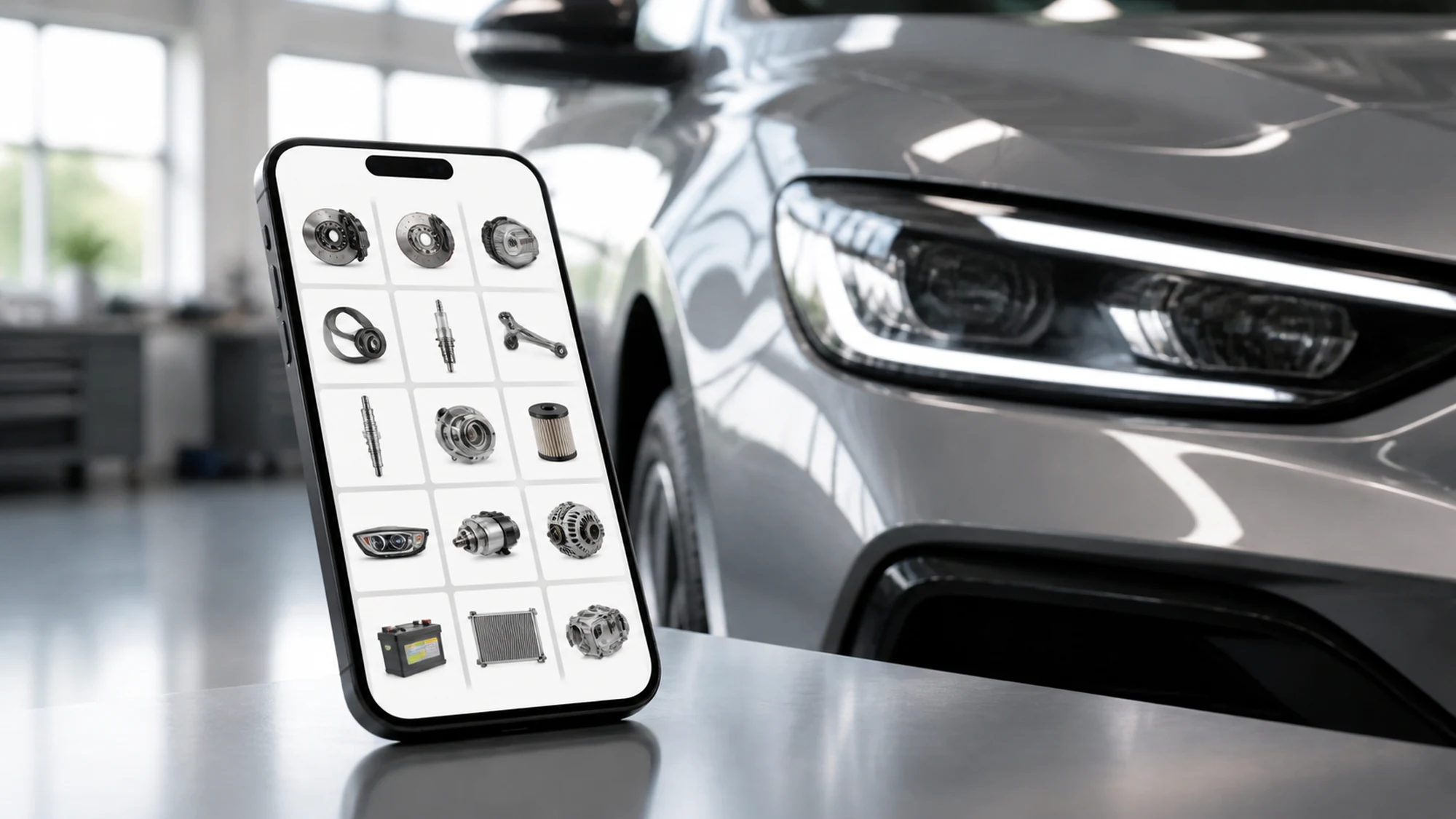
A mechanic in a repair shop scans a car's VIN with a phone, and the list of compatible parts appears within seconds, right on the screen. That is what a mobile-first TecDoc integration delivers in practice — not just a desktop site resized for a phone. The difference matters because more than half of an auto parts store's traffic now comes from mobile, and searching for parts on the road, in a workshop, or in front of the car has different requirements than searching from a desk.
This article covers the two possible directions for a mobile TecDoc integration (native app or mobile-first site), which technical optimizations actually matter on small screens and unstable connections, and the risks that come up most often on this type of project. The focus stays on practical implementation, not an abstract technology comparison.
Native App or Mobile-First Site for the TecDoc Catalog?
The first project decision isn't about TecDoc itself, it's about the mobile channel. TecDoc stays the same data catalog/API in both cases; what changes is the presentation and interaction layer.
- Mobile-first site (PWA or advanced responsive): uses the same TecDoc integration backend as the desktop version, with a frontend optimized separately for small screens. It launches faster, doesn't require App Store/Play Store publishing, and updates reach every user instantly.
- Native app (iOS/Android): gets more direct access to hardware features (camera for code scanning, push notifications, partial offline operation) and can offer a faster experience for repeated interactions. Development and maintenance cost is higher, since it involves two separate codebases or a cross-platform framework.
For most auto parts stores in Romania, a mobile-first site built as a PWA (Progressive Web App) covers the real need: fast search, VIN identification, and ordering from a phone, without the cost and time of a full native app. A native app becomes justified when there's a specific workflow for field teams (partner repair shops, sales agents) who need offline scanning or push notifications for stock.
How VIN-Based Parts Identification Works on Smartphone
VIN (Vehicle Identification Number) identification is the feature that brings the most value on mobile, since it removes the manual search for make, model, engine, and year. The typical technical flow looks like this:
- The user enters the VIN manually or scans it (barcode/OCR on the VIN sticker or vehicle registration document).
- The app sends the code to the backend, which queries the VIN decoding service in the TecDoc catalog to identify the exact vehicle (make, model, engine, year).
- Based on the identified vehicle, the backend requests the list of compatible parts for the searched category from the TecDoc catalog.
- Results are shown on mobile, with availability and price pulled from the store's own stock (not just from TecDoc, which provides catalog data, not live stock).
Scanning the VIN with the phone's camera (via OCR or barcode reading, depending on format) significantly reduces errors compared to manually entering 17 alphanumeric characters. For native apps, this uses native camera APIs; for PWAs, modern browsers allow camera access through standard web APIs, with somewhat more limited OCR precision.
Technical Optimizations Specific to a TecDoc Catalog on Mobile
The TecDoc catalog holds large data sets (technical images, drawings, multiple attributes per part), and on unstable mobile connections this data needs to be delivered differently than on desktop.
- Paginated and compressed API responses: limit the number of parts returned per page (20-30, not hundreds) and use gzip/brotli compression on API responses to reduce load time on unstable 4G/5G.
- Mobile-optimized images: serve resized variants (WebP, multiple widths via `srcset`) instead of the original high-resolution technical images from the TecDoc catalog, which are built for detailed desktop display.
- Aggressive lazy loading: load only the parts visible in the viewport and their images; the rest loads on scroll, not on the initial page render.
- Local cache for recent searches: keep the last searched vehicles and part categories locally, so the call to the TecDoc catalog isn't repeated every time the user returns to the app.
- Simplified filtering interface: on desktop, multiple filters (make, engine, year, body variant) can all be visible at once; on mobile, these need to be grouped into expandable panels so they don't take up the whole screen before results.
Offline or Partial Offline Operation: How Realistic Is It
Fully offline operation of a TecDoc catalog isn't realistic for most stores, because catalog data is updated constantly and the volume of data (millions of parts, with attributes and images) is too large for local storage on a phone. There are useful partial options instead:
- Local cache of recent vehicles and searches, available even during a temporary connection drop.
- Background sync of the most frequently searched part categories, for fast display even on a weak connection.
- A clear message to the user when the connection is missing, with an option to automatically resume the search once the signal returns, instead of a generic error.
For field teams (sales agents, mobile repair services) who need real offline access to a subset of data, the practical solution is periodic sync of a narrowed catalog (for example, the most requested parts for the brands they serve), not trying to replicate the entire TecDoc catalog locally.
Common Risks and How to Avoid Them
| Risk | Typical Cause | Mitigation |
|---|---|---|
| Long load times on 4G | Unoptimized API responses, desktop-resolution images served on mobile | Pagination, compression, images resized specifically for mobile |
| Low accuracy on VIN scanning | Generic OCR, no validation of the VIN format (17 characters, no I/O/Q) | Local format validation before sending to the backend |
| Cluttered interface on small screens | Direct port of the desktop layout, no redesign for mobile | Filters in expandable panels, prioritized results, a single main flow |
| Stock/price mismatches between app and site | Two separate integrations with different backends for stock data | A single central backend for stock and prices, consumed identically by app and site |
| Native app abandoned after launch | Underestimated maintenance cost for two platforms (iOS+Android) | Realistic cost/benefit evaluation before choosing native vs PWA (see previous section) |
Practical Implementation Plan
- Define the channel: PWA/mobile-first site or native app, based on mobile traffic volume and field team needs.
- Reuse the existing backend: if a TecDoc integration already exists on desktop, the catalog and stock query backend gets reused; no separate TecDoc integration is built for mobile.
- Build the VIN identification flow: manual entry + code scanning, with local format validation before the API call.
- Optimize responses for mobile: pagination, compression, resized images, lazy loading.
- Simplify the filtering interface: expandable panels, priority results visible without excessive scrolling.
- Test on real weak connections (simulated 3G/4G), not just office WiFi, before launch.
- Measure load times and search completion rate after launch, to identify the steps where users abandon their search.
Frequently Asked Questions About a Mobile App with TecDoc Catalog
Does a mobile app need a separate TecDoc license from the desktop site?
No, the TecDoc license is tied to access to the catalog data, not to the channel through which it's displayed. The same backend integration can feed the desktop site, the mobile version, and a potential native app at the same time, without extra licenses per channel.
Can a PWA scan VIN codes as well as a native app?
For barcode reading, modern browsers offer good camera access results. For text OCR (when the VIN is printed without a barcode), native apps have access to more capable optical recognition libraries, but the difference shows up mostly in low light or on a worn label.
How long does it take to add a mobile-first version on top of an existing TecDoc integration?
As a rough estimate, when the TecDoc backend already exists, adding an optimized mobile-first frontend (without a native app) takes a few weeks, depending on catalog complexity and the filtering flow. A full native app requires a separate project, usually longer, since it involves App Store/Play Store publishing and testing across multiple devices.
Is it worth building a native app if I already have a responsive site?
Not automatically. If the responsive site already works well on mobile and there's no specific workflow requiring native features (offline scanning, aggressive push notifications), a native app adds maintenance cost without proportional benefit. It becomes worthwhile when there's a clear use case for field teams or repeat customers who benefit from fast, personalized access with notifications.
Conclusion
Bringing the TecDoc catalog to mobile isn't a new API integration, it's an adaptation of presentation and performance for small screens and unstable connections, plus a dedicated VIN-based identification flow with scanning. For most stores, an optimized mobile-first site covers the real need; a native app becomes justified only when there's a concrete use case for hardware features or offline work.
Want to bring the TecDoc catalog to mobile without rebuilding the integration from scratch? Contact us for a technical assessment of your existing integration and mobile-first or native app extension options.

Write a comment